Workforce 360
Workforce 360 is an all-in-one solution built on top of Hire2Retire, designed for enterprises looking to consolidate their employee data. It processes data from across your organization into a single unified dataset, giving administrators a complete view of each employee's profile, career history, and organizational journey, tracking role changes, access transitions, and workforce movements across the full employee lifecycle.
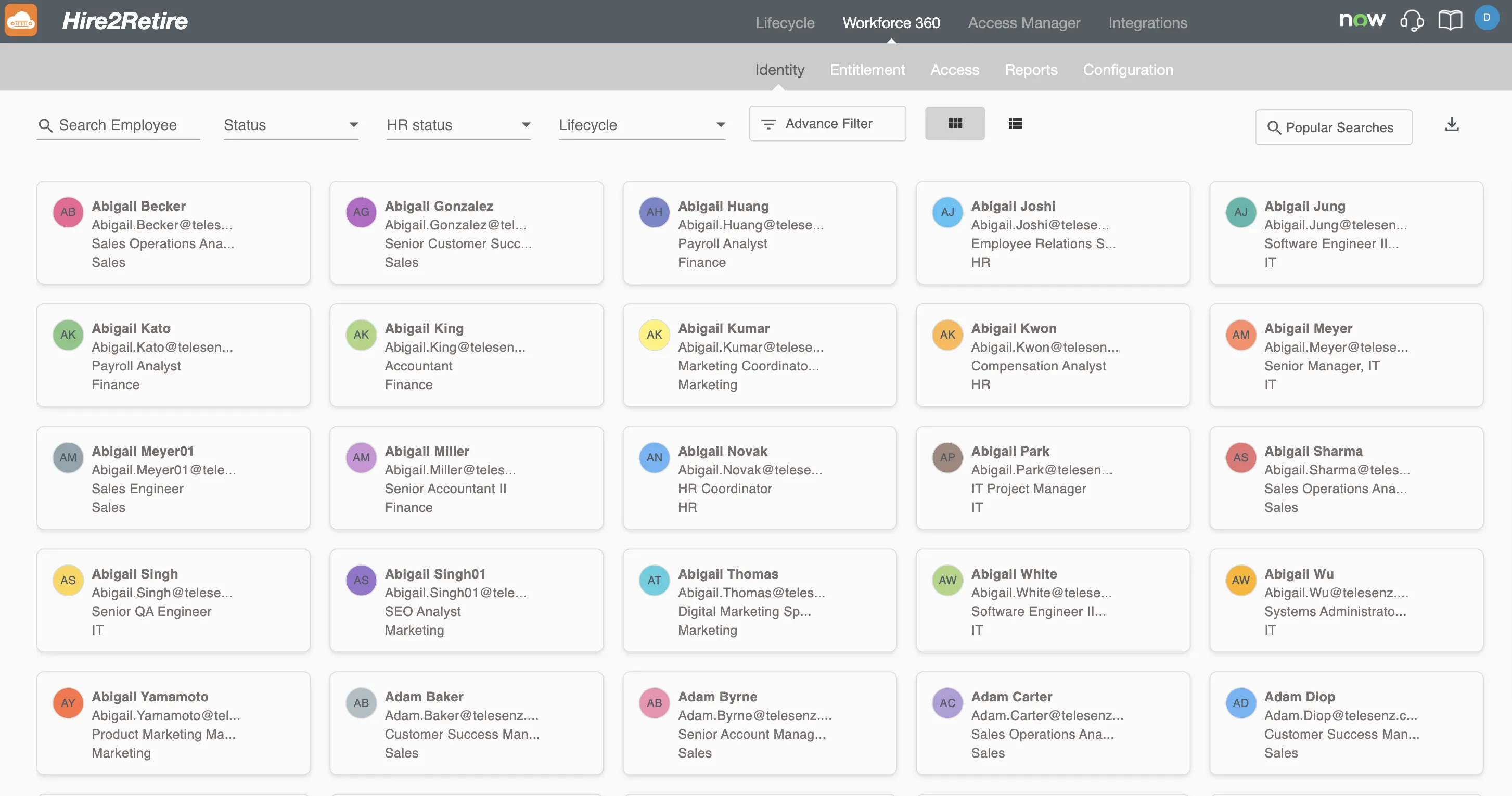
Workforce 360 draws from four critical facets of employee data:
- HR/ATS Data - Core employee information from HR systems, including personal identifiers and job profiles.
- Identity Data - Employee records from the organization's IdP system.
- Privilege & Entitlement Data - Role assignments and group memberships within the IdP system.
- Access Data - Application-level access information sourced from SCIM-enabled apps inside and outside Hire2Retire.
By seamlessly connecting with identity providers such as Active Directory and Entra ID, Workforce 360 ensures every employee transition is captured and contextualized. Its advanced filters and detailed reporting into identity and entitlements help administrators enhance lifecycle management practices, strengthening both compliance and decision-making.
Modules
Workforce 360 is organized into five modules, each focused on a distinct aspect of employee management:
Identity
The Identity tab serves as the central employee directory, listing all individuals in your organization, both active and inactive. It provides a searchable, filterable view of the workforce with quick access to each employee's profile, lifecycle stage, HR status, and identity system status. Use this tab to navigate employee records, run targeted searches, and export directory data.
Entitlement
The Entitlement tab is a direct window into every entitlement across your organization. For each entitlement, you can see which employees hold it, how it was assigned, and how it has changed over the employee lifecycle. This makes it straightforward to spot over-provisioned roles, orphaned assignments, and gaps where entitlements don't align with current job or status.
Access
The Access tab gives a consolidated view of the actual access employees hold across connected systems. It bridges the gap between what employees are entitled to and what they can actively access, helping you audit access rights, detect over-provisioning, and ensure access aligns with current role and status.
Reports
The Reports tab surfaces aggregated insights and analytics derived from employee lifecycle data. Reports help you understand workforce trends, monitor lifecycle events such as hires, terminations, and transfers, and identify patterns that can inform HR and IT policy decisions.
Configuration
The Configuration tab provides the administrative controls for Workforce 360. Use this tab to manage data source connections, define semantic data mapping, and control how employee data is collected, processed, and surfaced across the other tabs.
User Access
Access to Workforce 360 is governed by the user's role in Hire2Retire. Different roles have different levels of visibility across the modules:
- User — No access to Workforce 360. The Workforce 360 tab is not visible to users with this role.
- Viewer / Reviewer — Limited access. Can view the Identity, Entitlement, and Access modules, but cannot access Reports or Configuration.
- Editor / Admin — Full access. Can view and interact with all five modules, including Reports and Configuration.