Review
The ServiceNow App application allows administrators to monitor and review employee lifecycle events, such as hiring, termination, and role changes, that are pushed from Hire2Retire for all synced flows.
This guide explains how to use the Review page in the ServiceNow App to view, track, and evaluate these events in ServiceNow.
Setup
To set up review functionality, enable "Enable pending event review capability on ServiceNow" in the Deployment Settings of your flow in Hire2Retire.
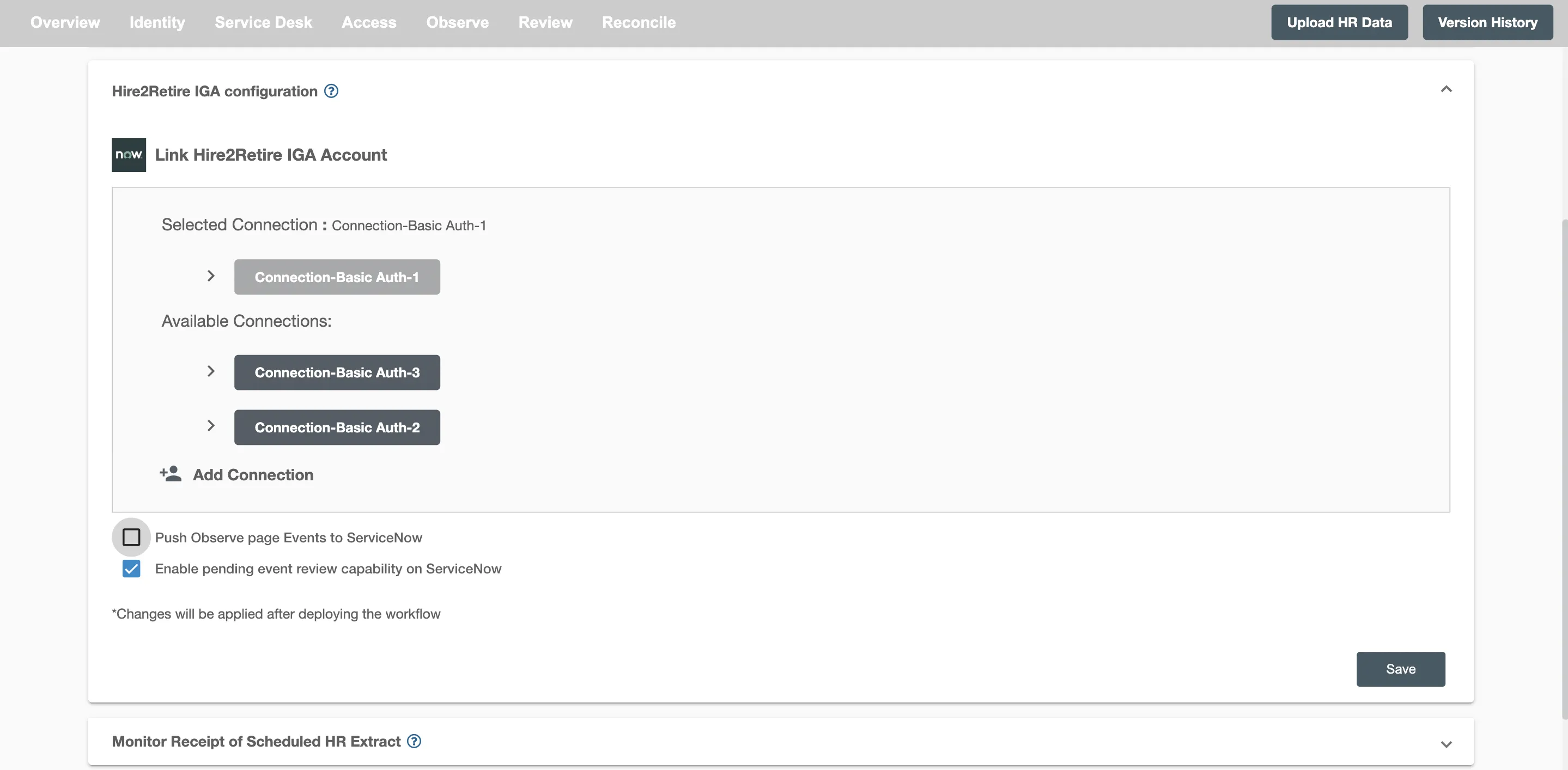
Setup Review Policy
Configure the Review Policy by following the steps mentioned on the Review Policy.
Assign Roles
Assign the roles mentioned in the Roles page for the Reviewer persona to all the users who will review the pending events.
You can access Review either from the Application Navigation in ServiceNow or from the Review on ServiceNow button on the Review page in Hire2Retire.
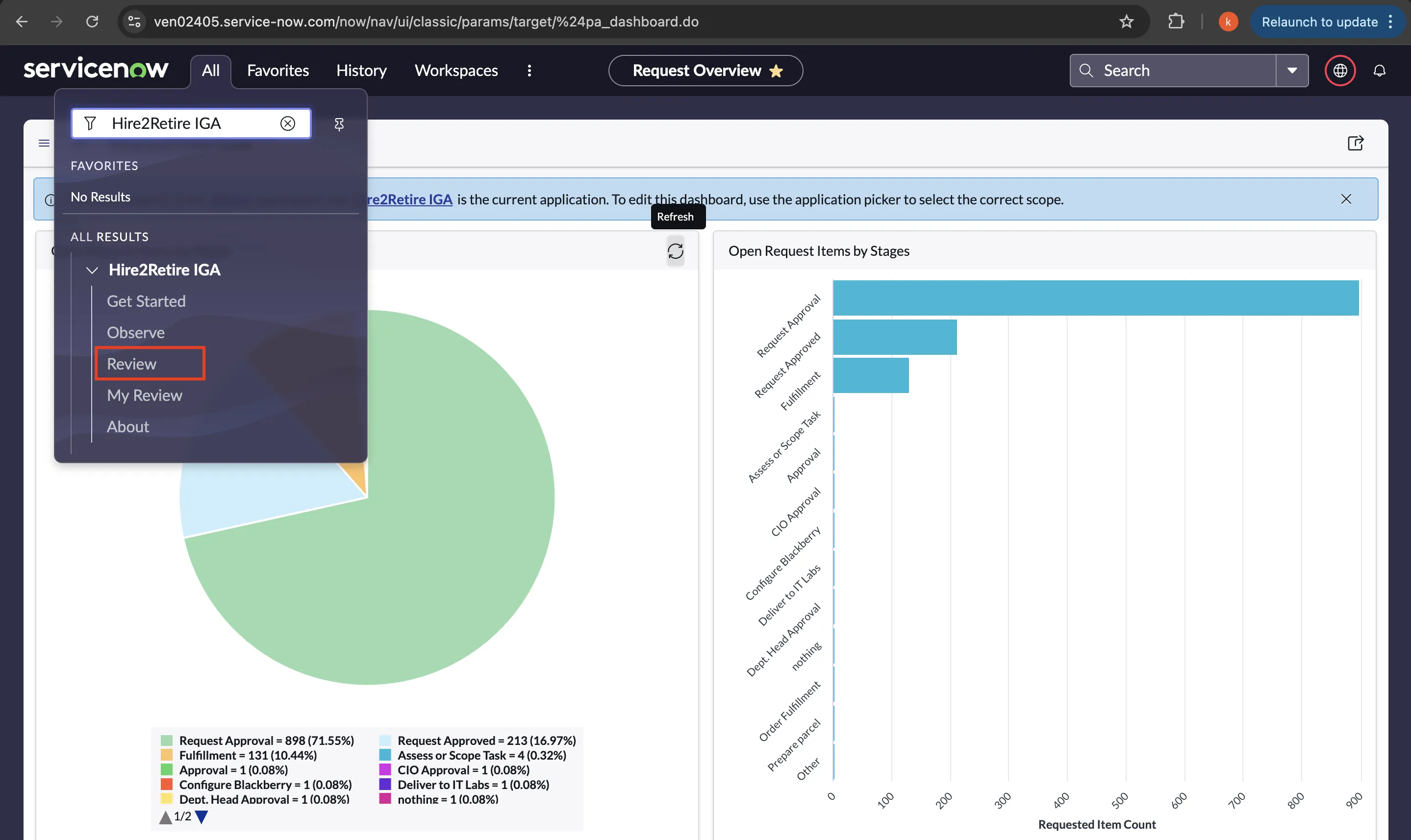
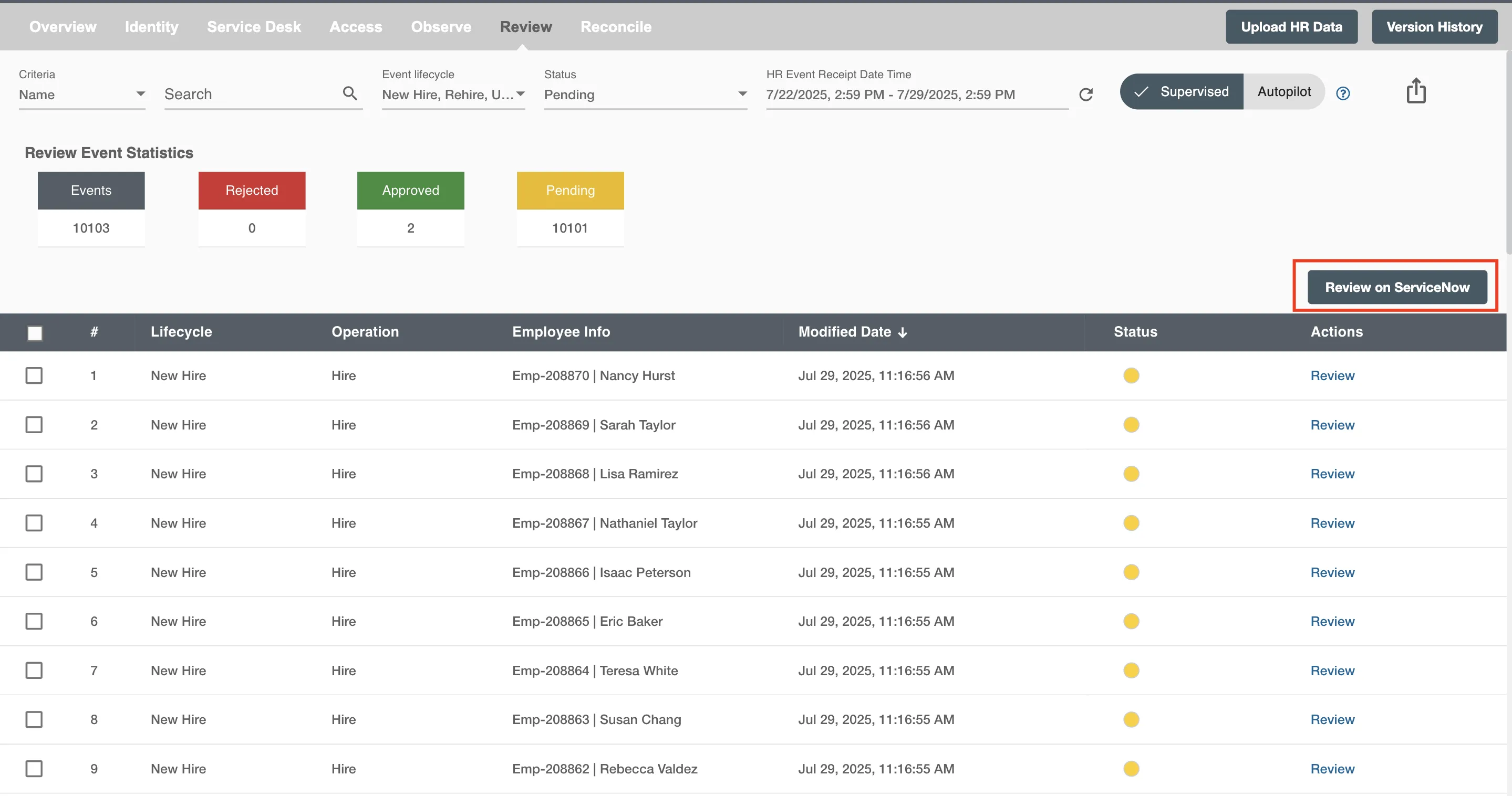
As a Hire2Retire admin, you can view all workflows that have review enabled in the ServiceNow App.
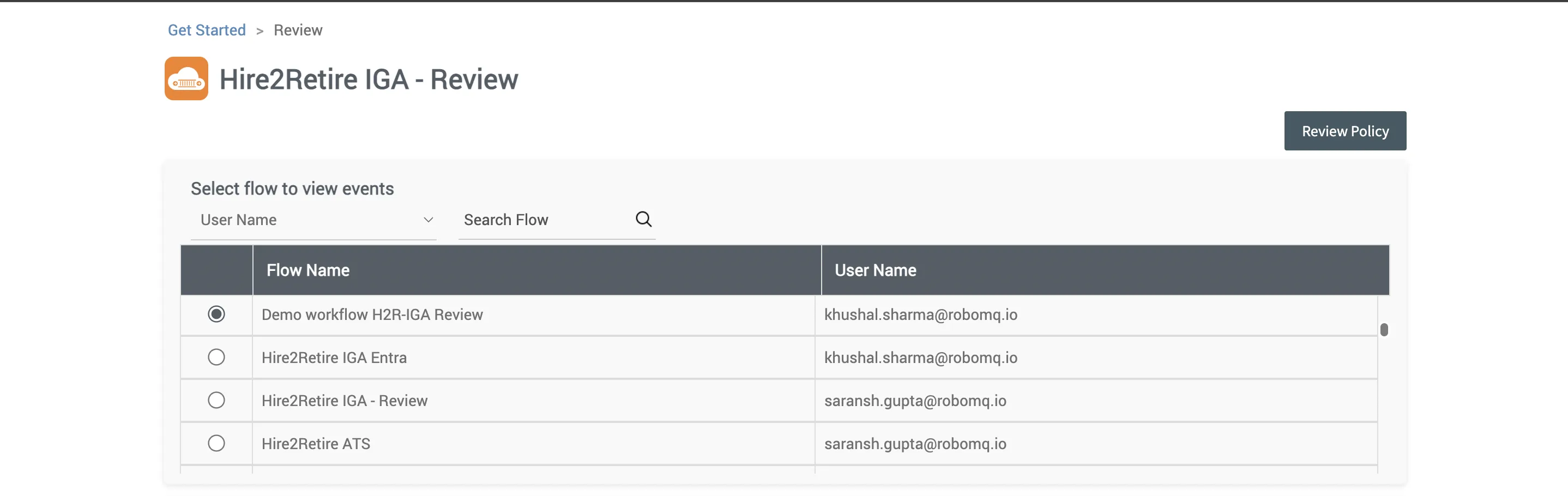
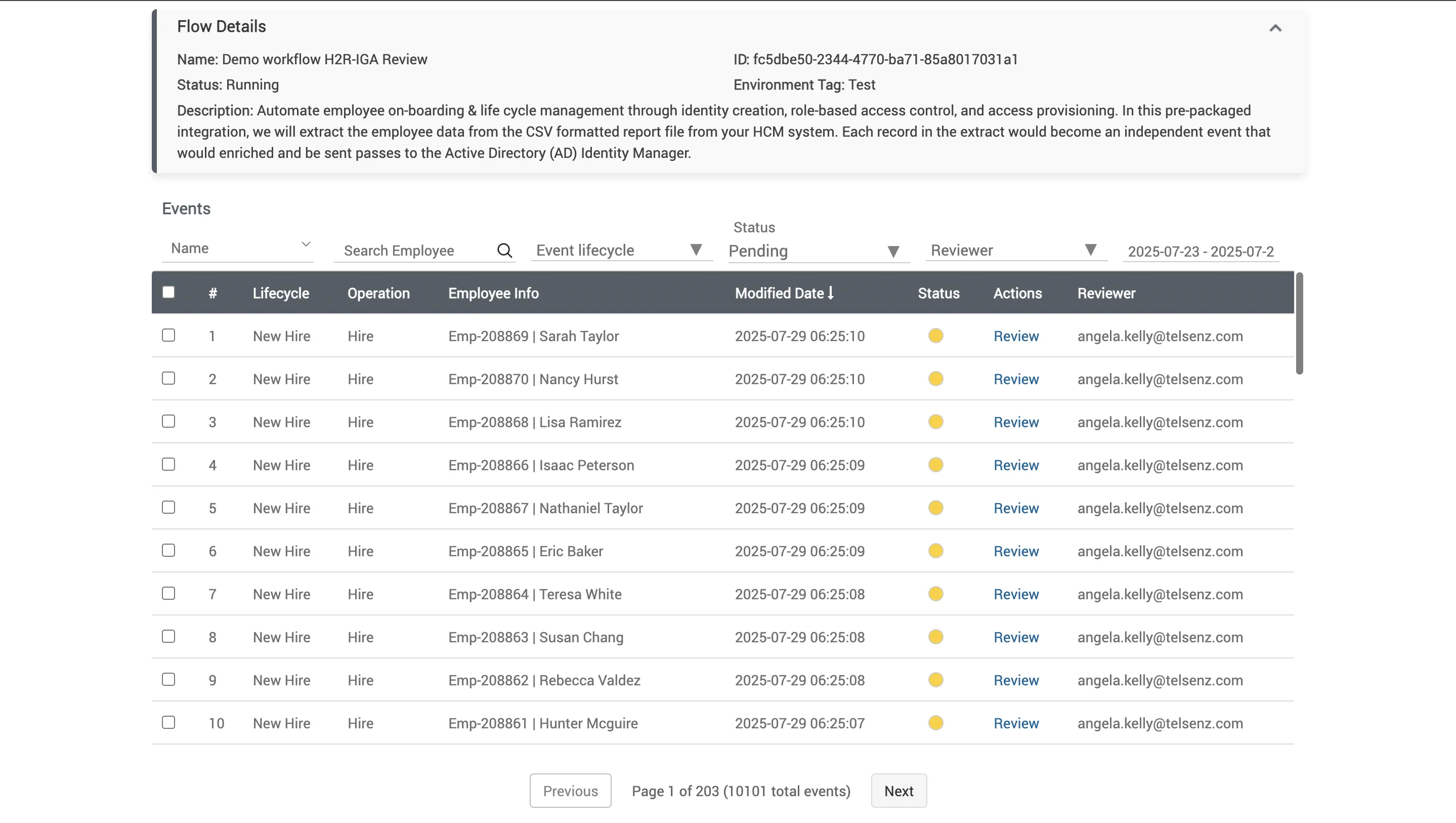
You can use the built-in filters to refine event data based on lifecycle type, operation type, date range, employee name, or employee ID. Reviewers assigned as per the review policy can only review events assigned to them. ServiceNow App admins can review any event.
You can click any event to view detailed information about that specific lifecycle event.
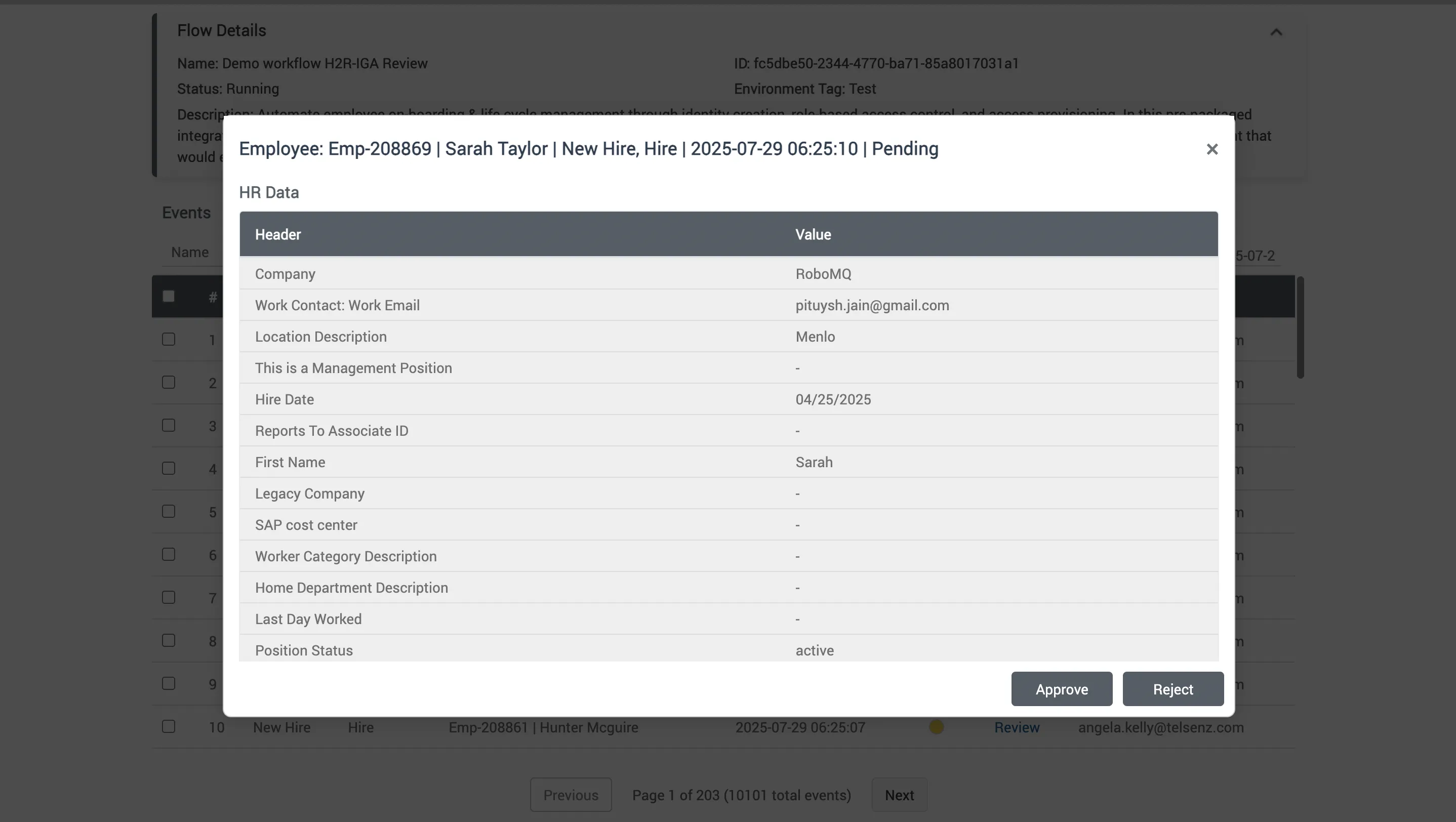
You can review each event separately or review multiple events at once.
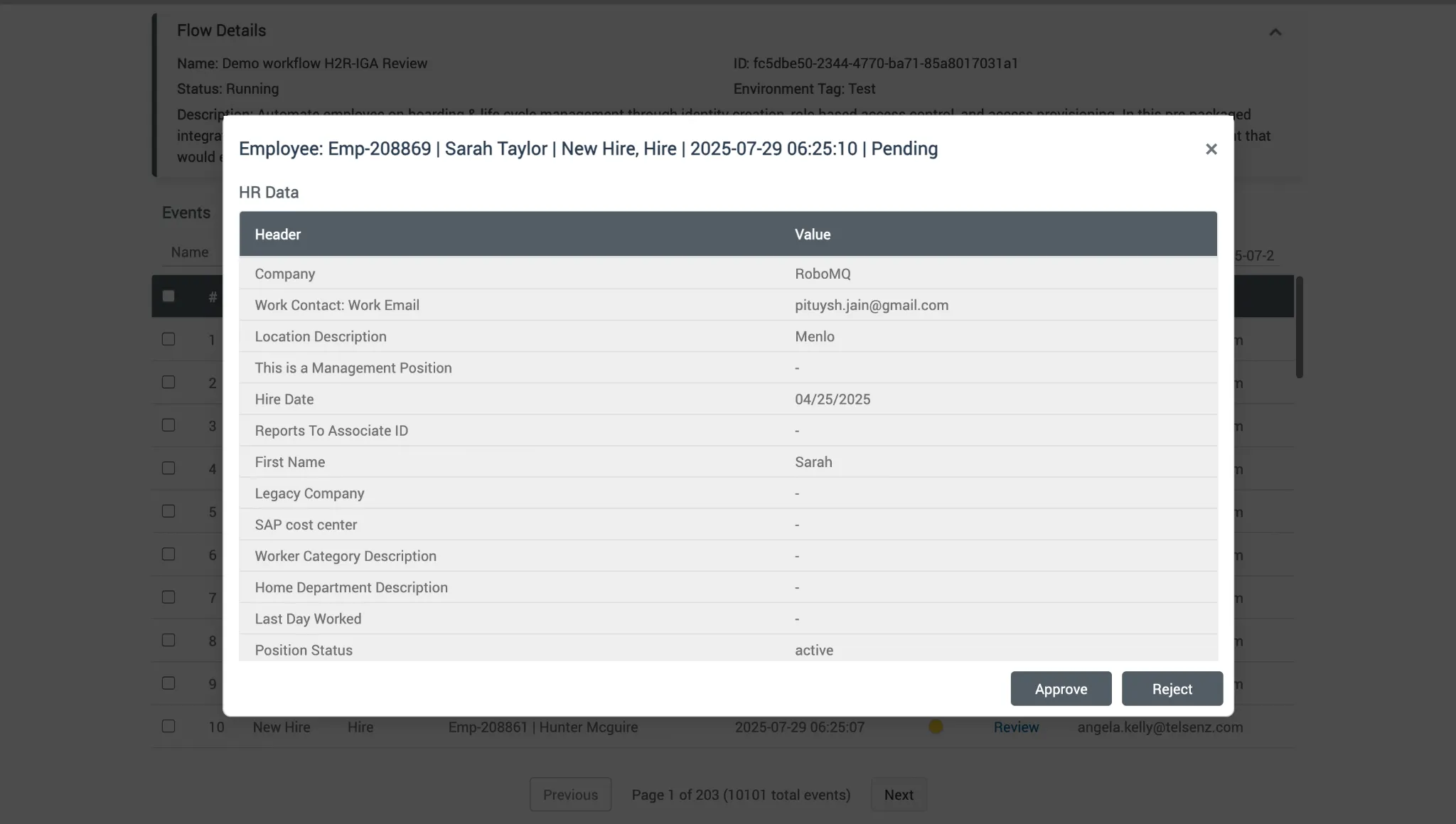
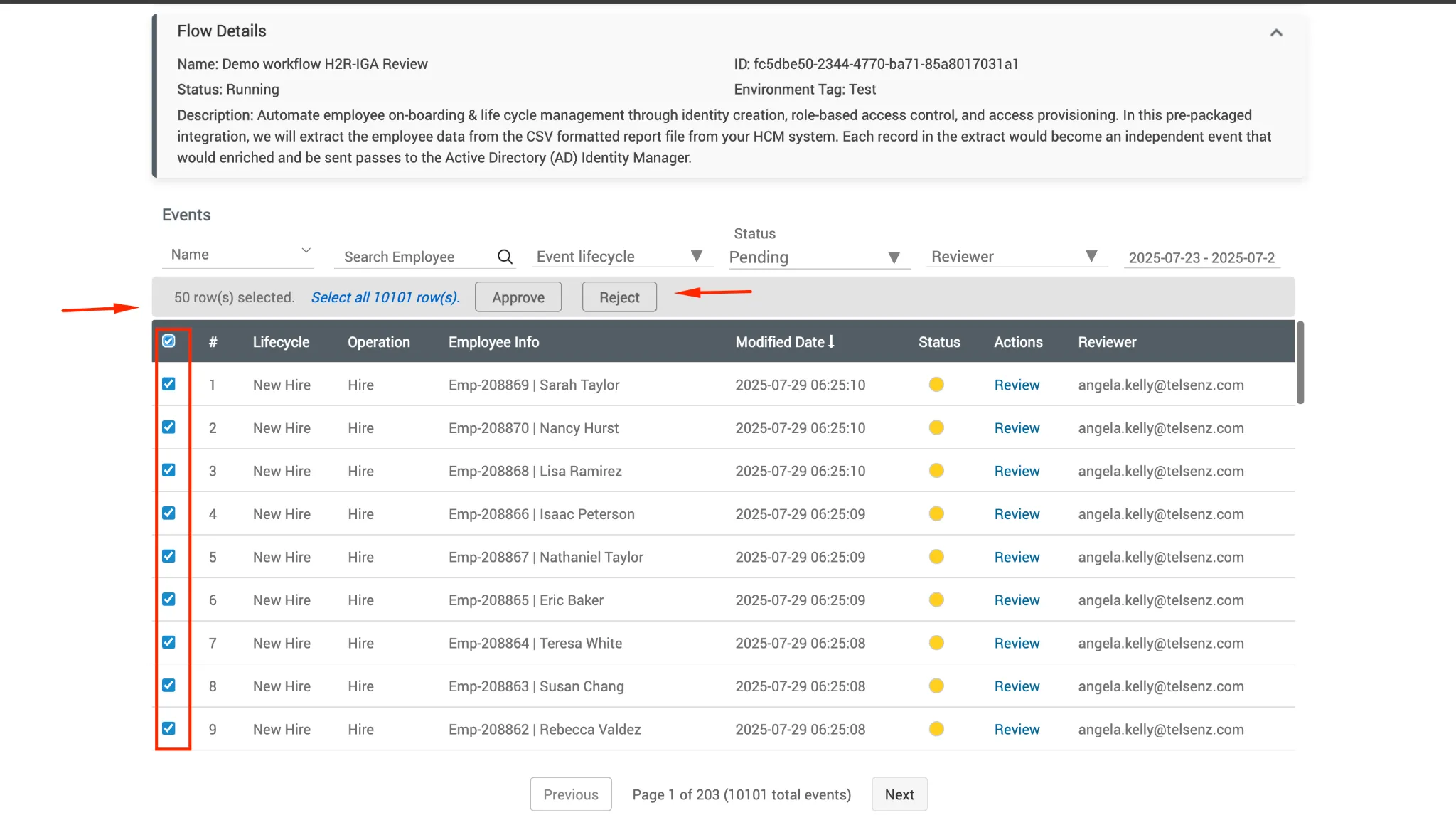
While reviewing multiple events, select events using the checkbox on the left, then approve or reject all selected events. All reviewers can review events from the My Review page, the Review widget on the ServiceNow portal (if enabled), or the Approvals widget on the Self Service Portal.
Note: If a conflicting review decision is made in both Hire2Retire and ServiceNow App, the decision that is executed first will take precedence.