Access
The Access page provides a directory of all SCIM applications connected to the organization's identity ecosystem. Similar in structure to the Entitlement page, this page is focused on access — the applications that employees are provisioned to and the memberships that control what systems they can interact with. It gives administrators a clear, consolidated view of all access applications, their descriptions, and how many employees are assigned to each.
By default, 30 applications are displayed per page, with pagination available to browse the full list.
Application Cards
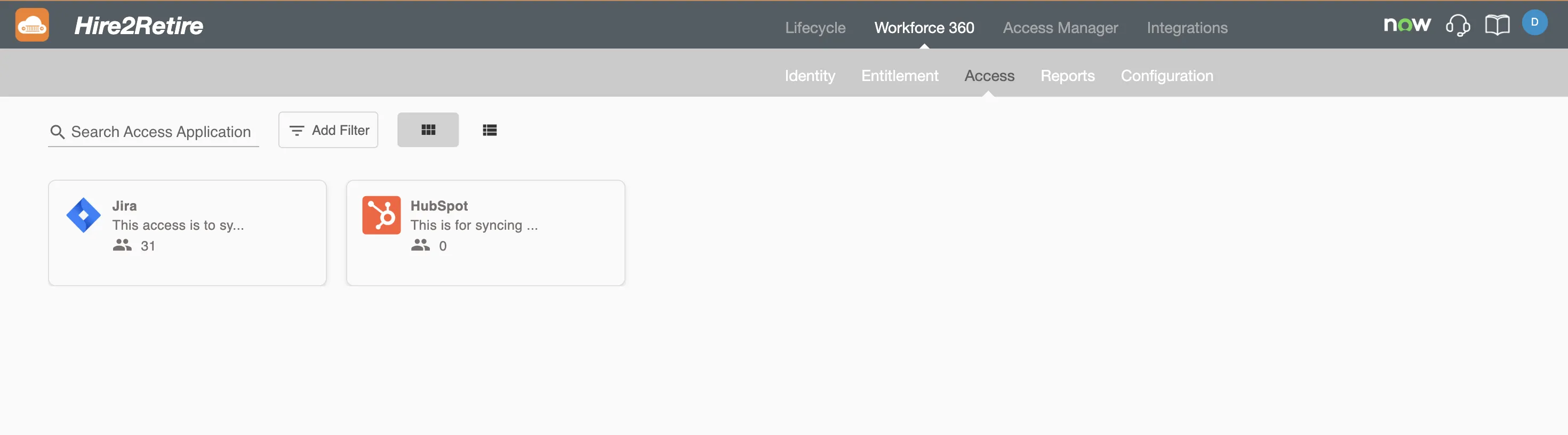
Each application is represented by a card that summarizes its key information:
- App Name — the name of the SCIM application
- Description — a brief description of the application
- Total Members — the number of employees currently provisioned to the application
View Options
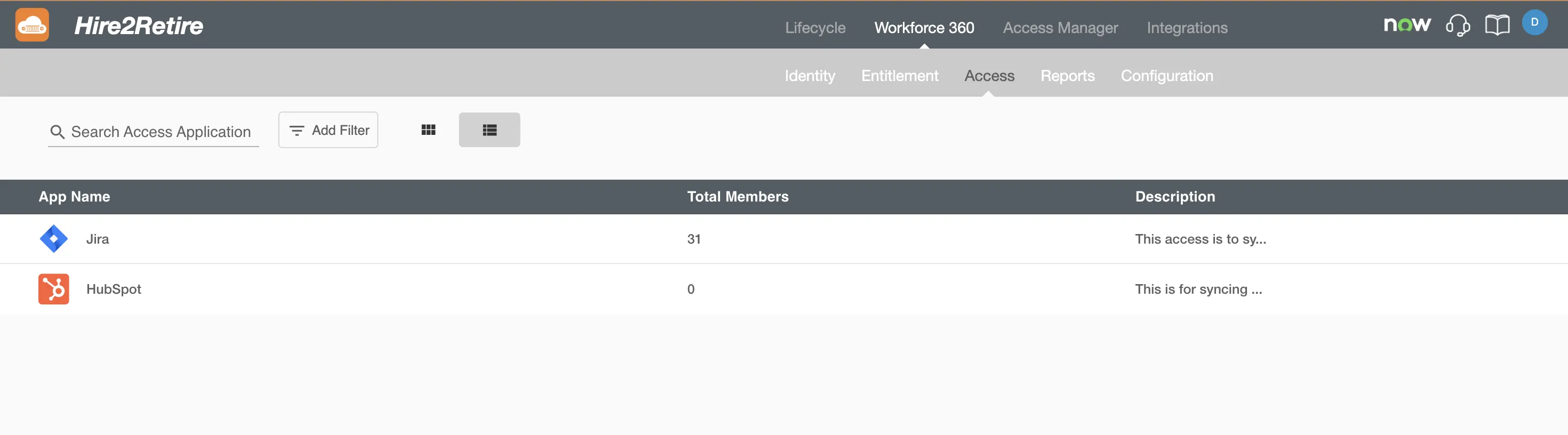
Applications can be viewed in two formats, toggled using the icons in the top-right corner:
- Grid View — displays applications as cards in a multi-column layout, ideal for quickly scanning through available access
- List View — displays applications in a tabular format, useful for comparing details across multiple applications
Searching and Filtering
Search Bar
The Search bar at the top of the page allows users to find an application by its name. Results update as text is entered.
Advance Filter
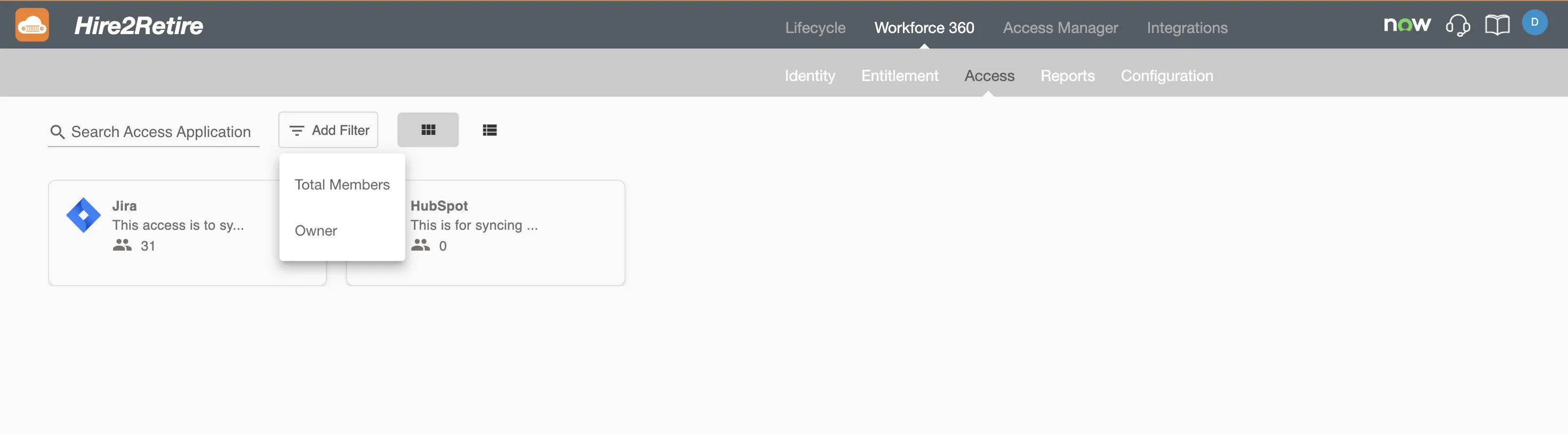
The Advance Filter option allows administrators to build targeted queries to narrow down the list of applications. Filters can be constructed using the following attributes and their supported operators:
| Attribute | Operators |
|---|---|
| Total Members | Equals, Not Equal, Greater Than, Less Than |
| Owner | Equals, Not Equal, Contains |
Multiple filter conditions can be combined to refine results further.