Overview
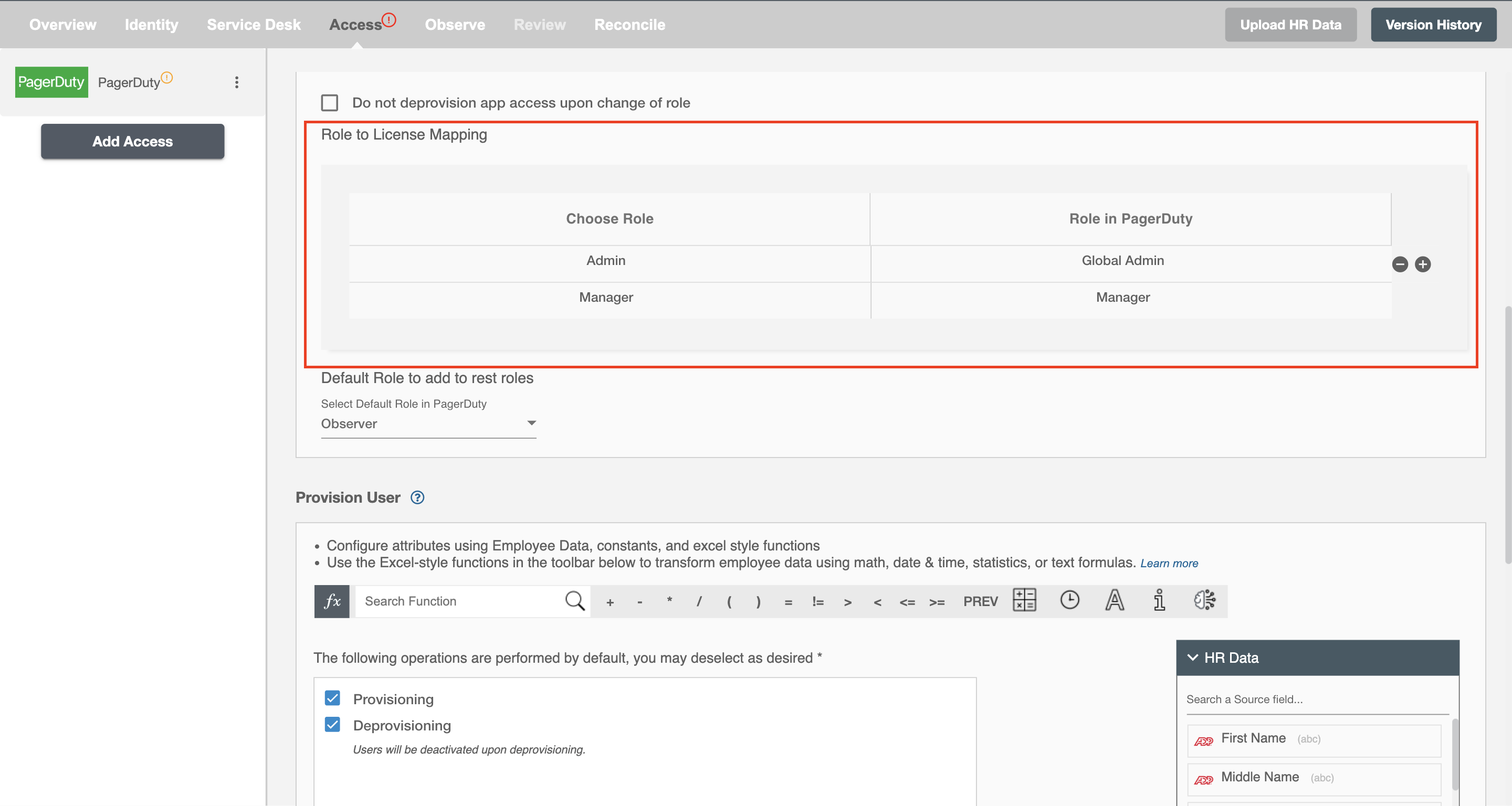
Using the Provisioning capabilities on Hire2Retire you can provision and deprovision users on PagerDuty.
Define Provisioning Criteria
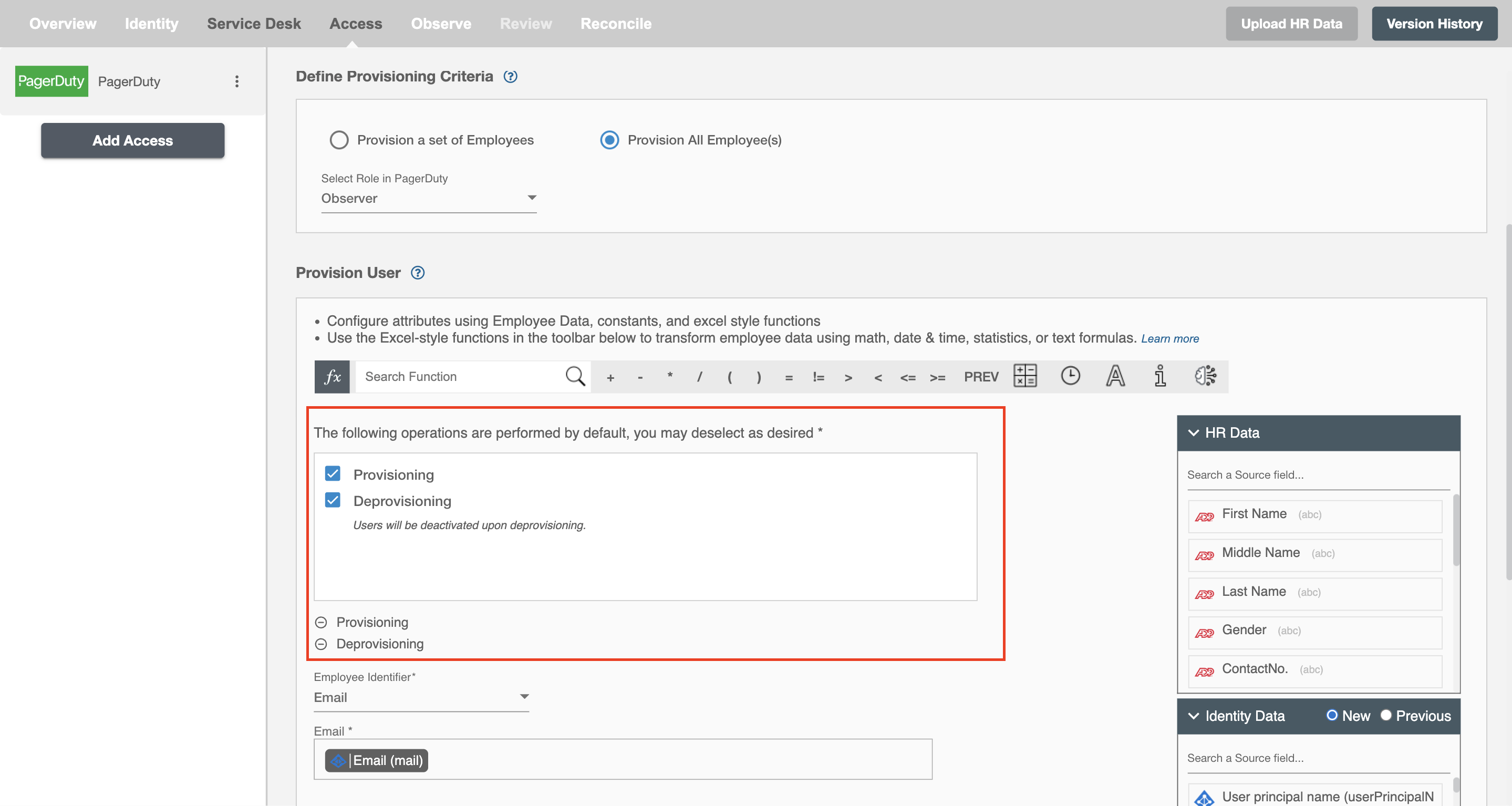
Provisioning Type
Provision a set of Employees
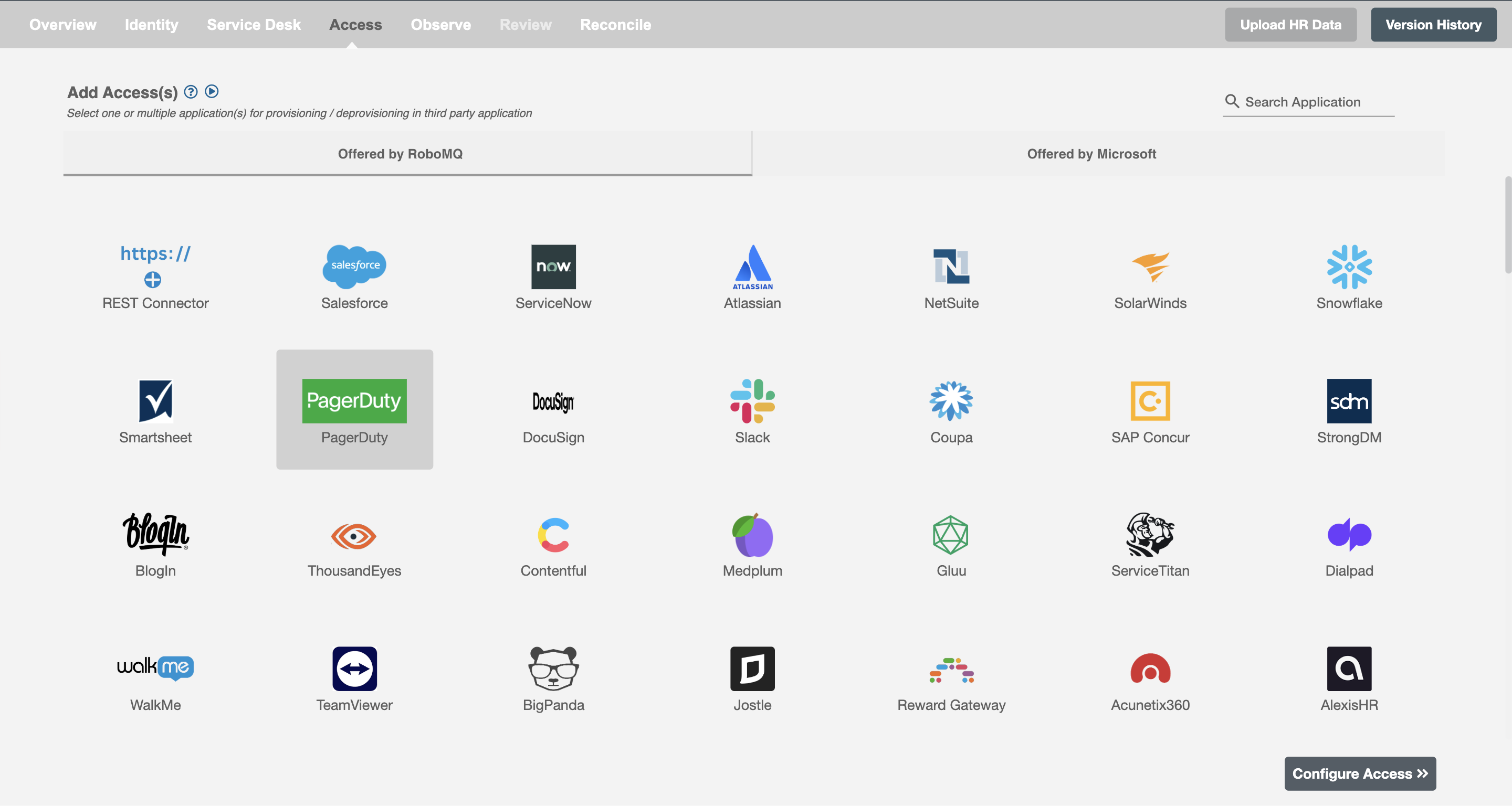
You can define a provisioning criteria for any user based on their AD and HRIS attributes. You can define complex conditions using AND and OR logic. You can also use the Group memberships and Roles in AD to define criteria(s). For Example: In Figure 2, the criteria are defined on the basis of Department (Equals). If the criteria are passed then only user(s) will get provisioned. If no criteria passes and the user(s) is present in PagerDuty then deprovisioning is performed. For example , a user is provisioned in PagerDuty if the Department equals 'Administration' or 'Sales'.
Process All Employees
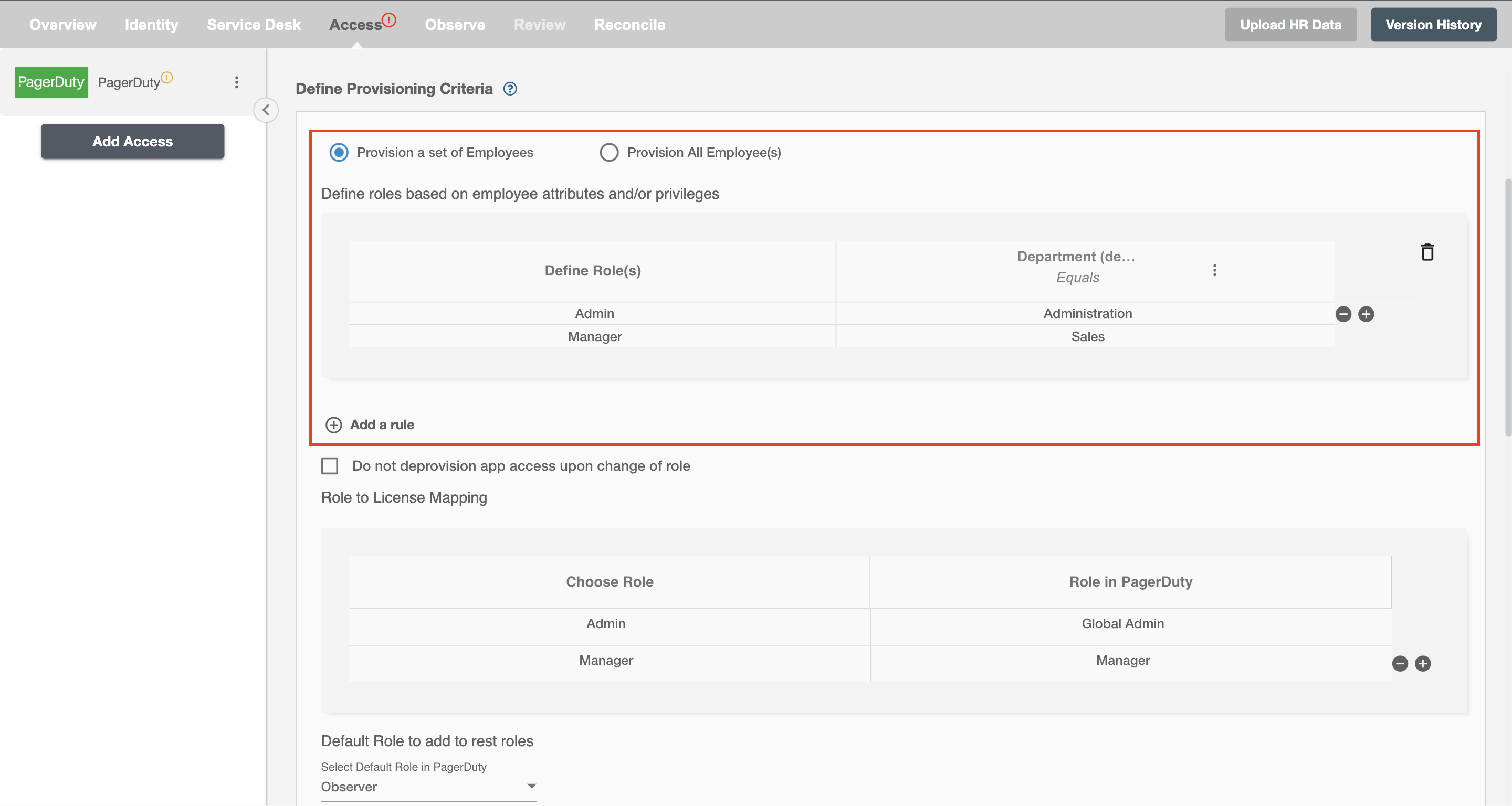
All user(s) will be provisioned on PagerDuty.
Provision User
You can decide to either provision or deprovision using Provisioning.
You can provision one or more user(s) according to the requirement. User(s) can be created, updated or reactivated in provisioning operation. You can deprovision one or more user(s) according to the requirement. User(s) can be terminated in deprovisioning operation.
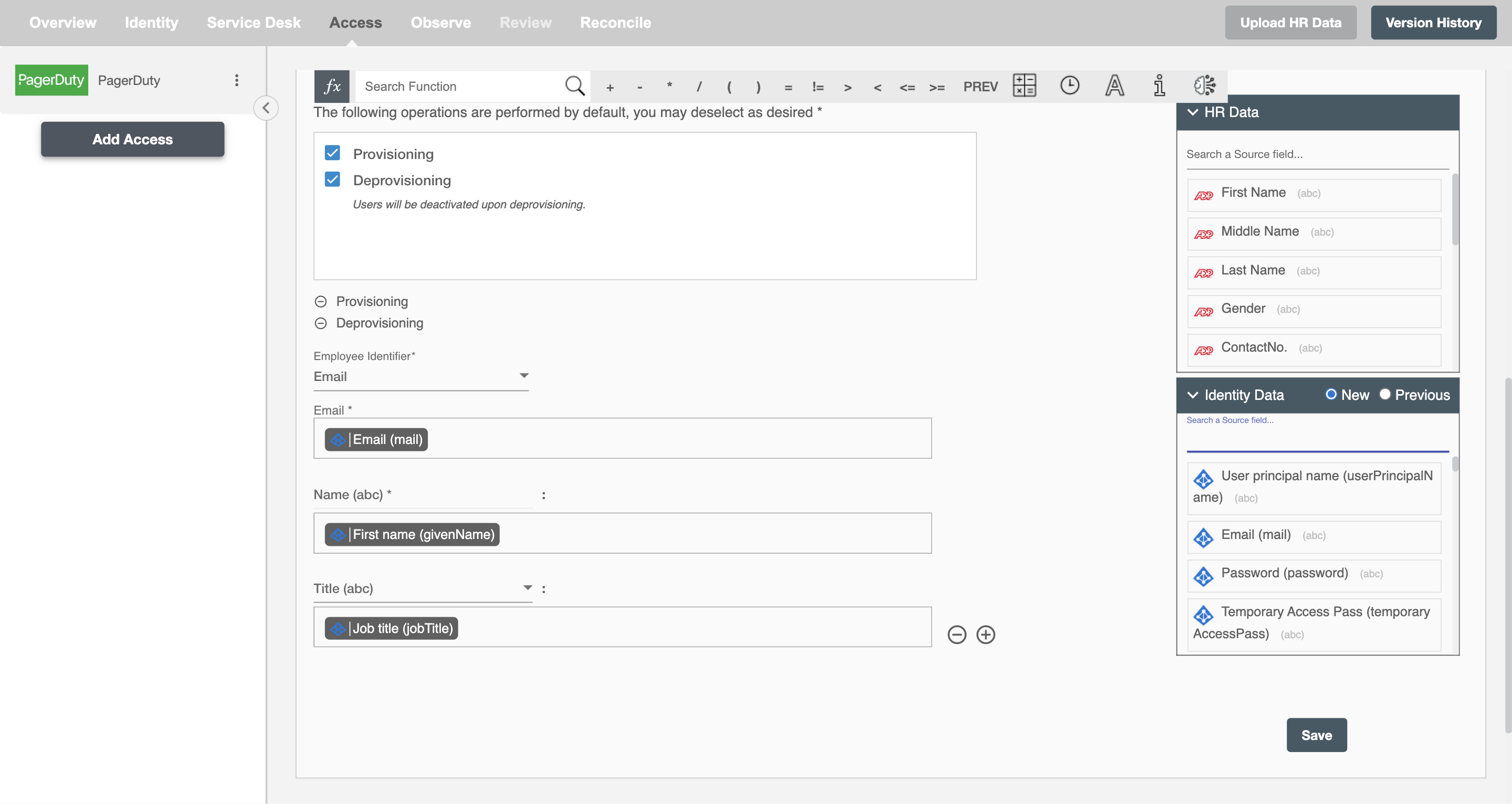
Map attributes on PagerDuty
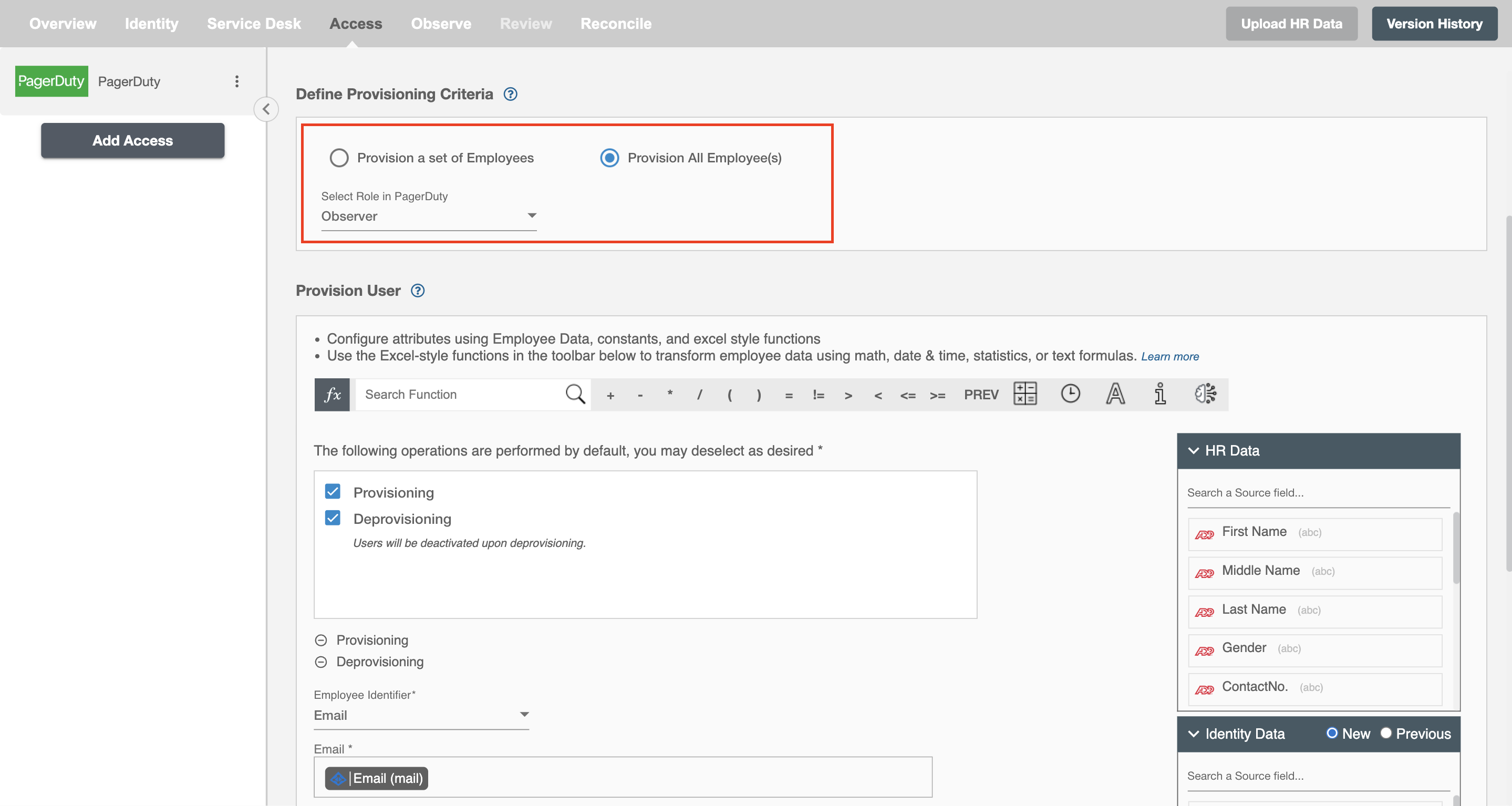
You can select the attributes provided by PagerDuty that you want to populate. You can map values from AD/Entra ID/Hybrid/HRIS to populate these attributes. You can also use Hire2Retire's powerful data transformation capabilities using Excel Style functions.
You can define Criteria for mapping Roles provided by PagerDuty.
- Roles in PagerDuty are a way to group together users who have similar responsibilities.
You can also set default roles to users in PagerDuty , which would be assigned in case no role has been mapped.