Entitlement
The Entitlement page provides a directory of all groups defined in the Identity Provider (IDP) system. Similar to Identity, this page is dedicated to entitlements and memberships that govern what access and permissions employees hold within the organization. It gives administrators a consolidated view of all groups, their types, and their membership counts, making it easy to audit and manage entitlements across the directory.
By default, 30 groups are displayed per page, with pagination available to browse the full list.
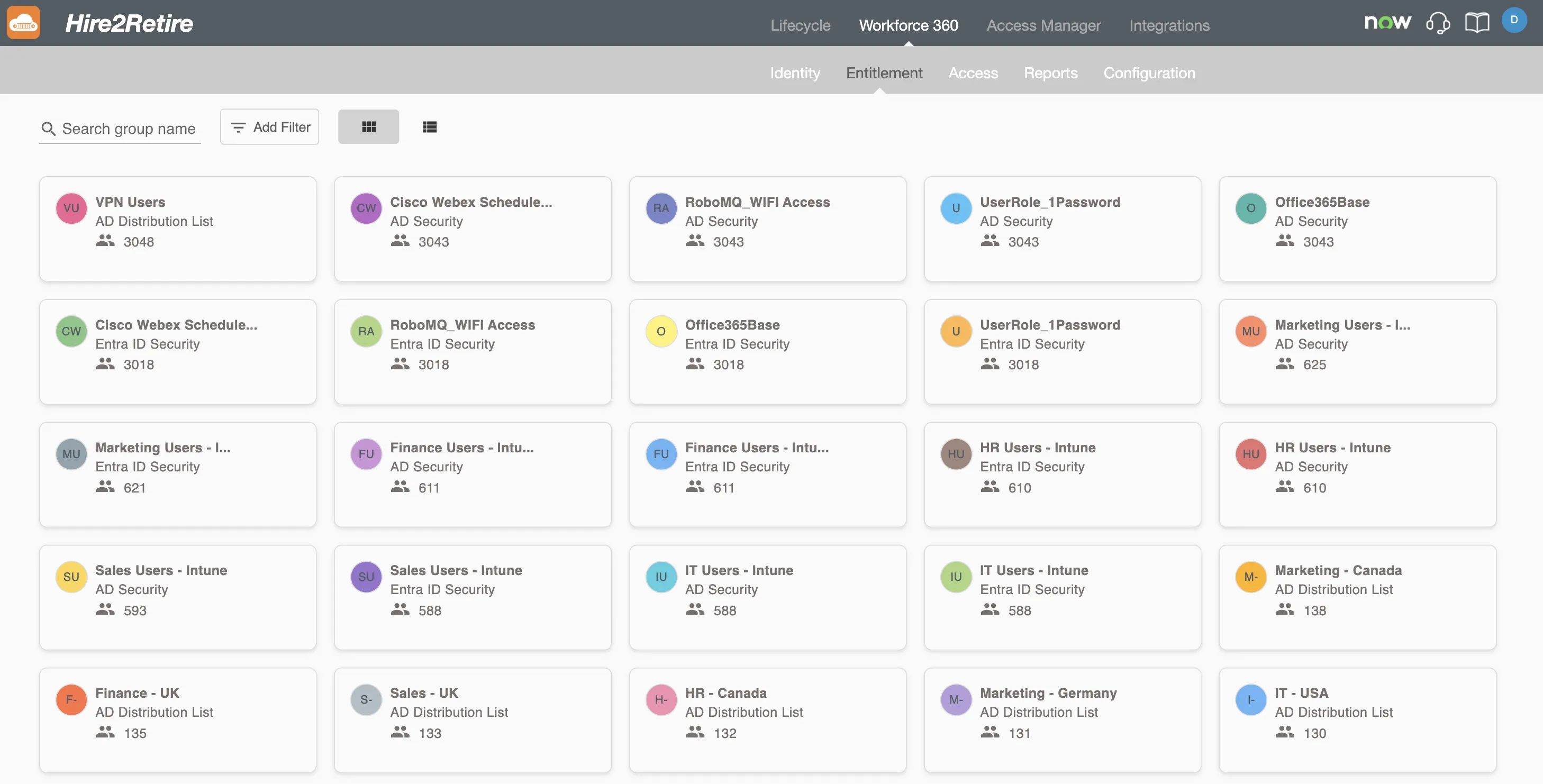
Groups
Each group is represented by a summary profile that summarizes its key information:
- Display Name - The name of the group as it appears in the IDP system
- Group Type - The category of the group, such as:
- Distribution List
- Security Group
- Entra ID Security Group
- Entra ID Distribution List
- Microsoft 365 Group
- Total Members - The number of employees currently assigned to the group.
Groups can be viewed in two formats, toggled using the icons in the top-right corner:
- Grid View - Displays groups as cards in a multi-column layout, ideal for quickly scanning through entitlements
- List View - Displays groups in a tabular format, useful for comparing attributes across multiple groups
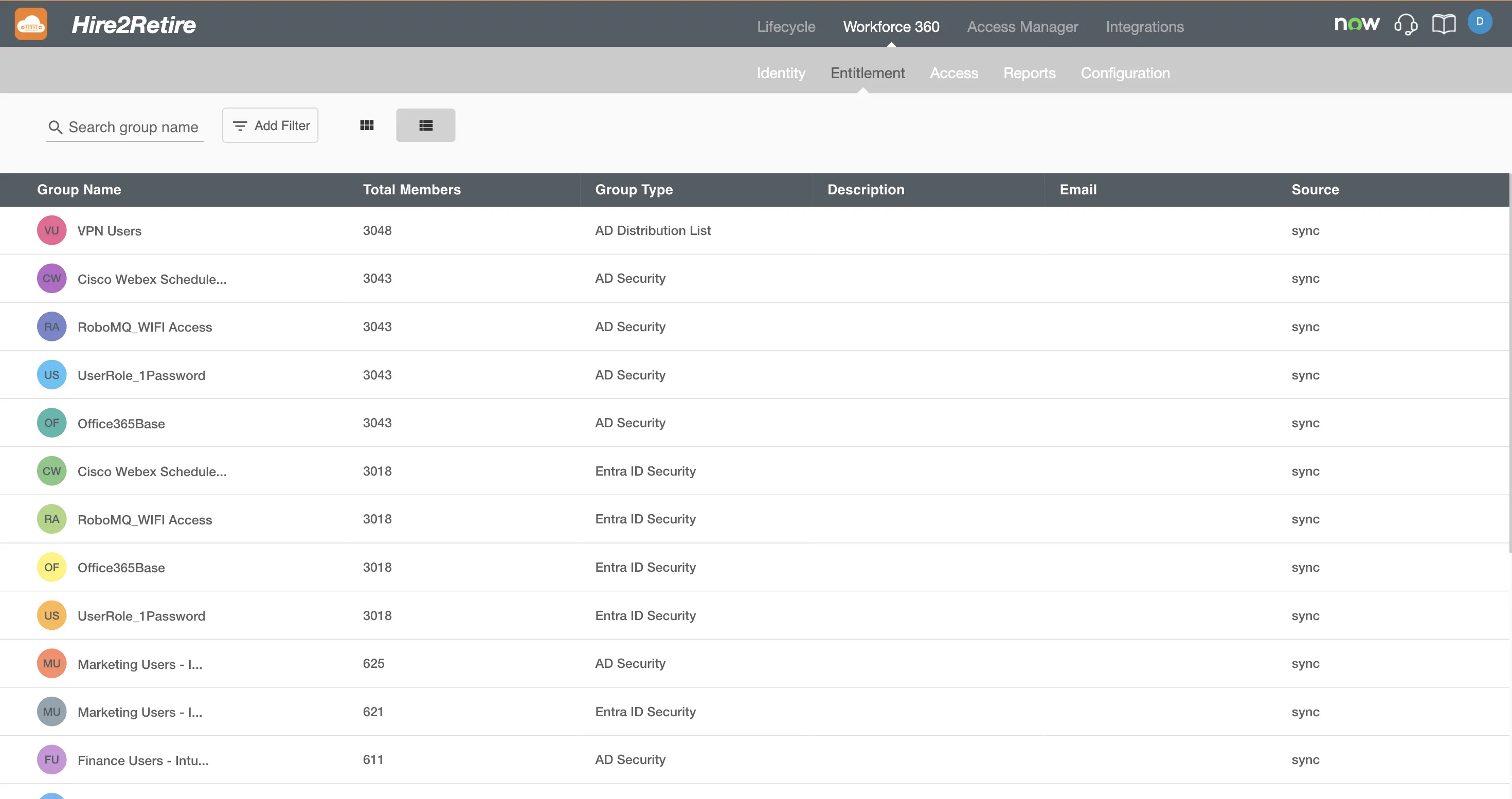
Searching and Filtering
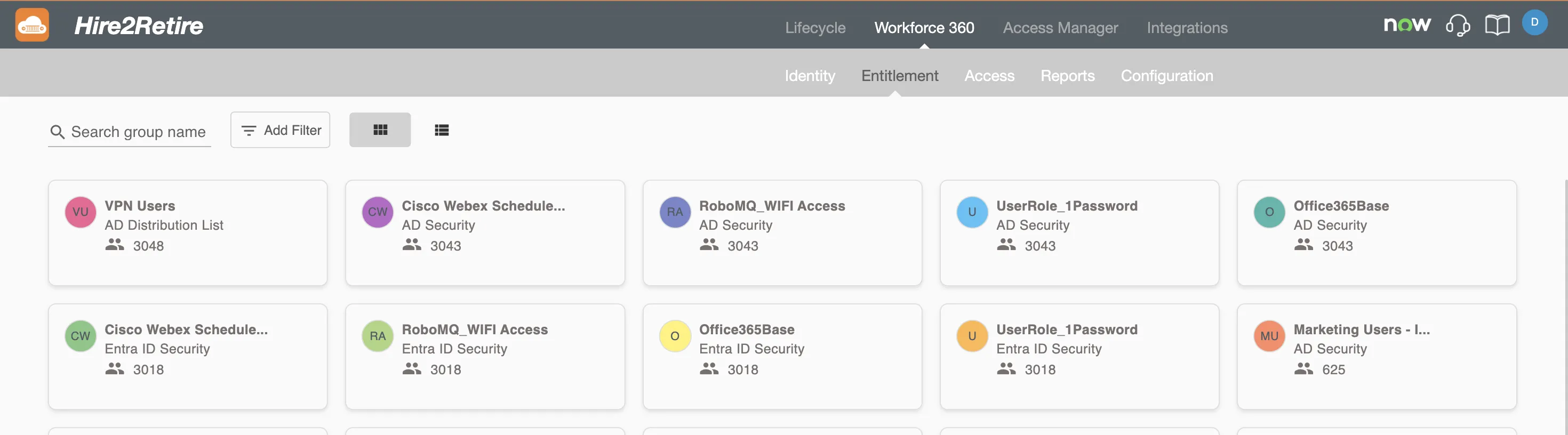
Search Bar
The Search bar at the top of the page allows users to find a group by its name. Results are update as text is entered.
Filters
The Filter option provides fine-grained control over the groups displayed. Filters can be built using the following attributes and their supported operators:
-
Total Members - Filters groups based on the number of employees currently assigned to them. Use this to surface over-populated groups (e.g., groups with more than 100 members) or empty/near-empty groups that may represent orphaned entitlements. Supports numeric comparisons: Equals, Not Equal, Greater Than, and Less Than.
-
Group Type - Filters by the category of the group as defined in the IDP system. Useful for scoping your view to a specific kind of entitlement, such as only Security Groups or only Microsoft 365 Groups. Supports Contains and Do not Contains to include or exclude one or more group types from the results.
-
Description - Filters groups by the description text stored in the IDP. This is helpful when groups follow naming or description conventions that indicate their purpose (e.g., "read-only", "admin", "contractor"). Supports Equals, Not Equal, and Contains for broad or precise text matching.
-
Email - Filters groups that have an associated email address, which is common for distribution lists and Microsoft 365 Groups. Use this to isolate mail-enabled groups or find groups tied to a specific email domain. Supports Equals, Not Equal, and Contains.
-
Source - Filters groups by how their data was ingested into Workforce 360. A value of H2R indicates the group was synced through a Hire2Retire workflow, while a value of Sync indicates it was pulled directly from the IDP system during a scheduled identity sync. Use this to distinguish entitlements managed through automation from those captured via direct directory sync. Supports Equals, Not Equal, and Contains.
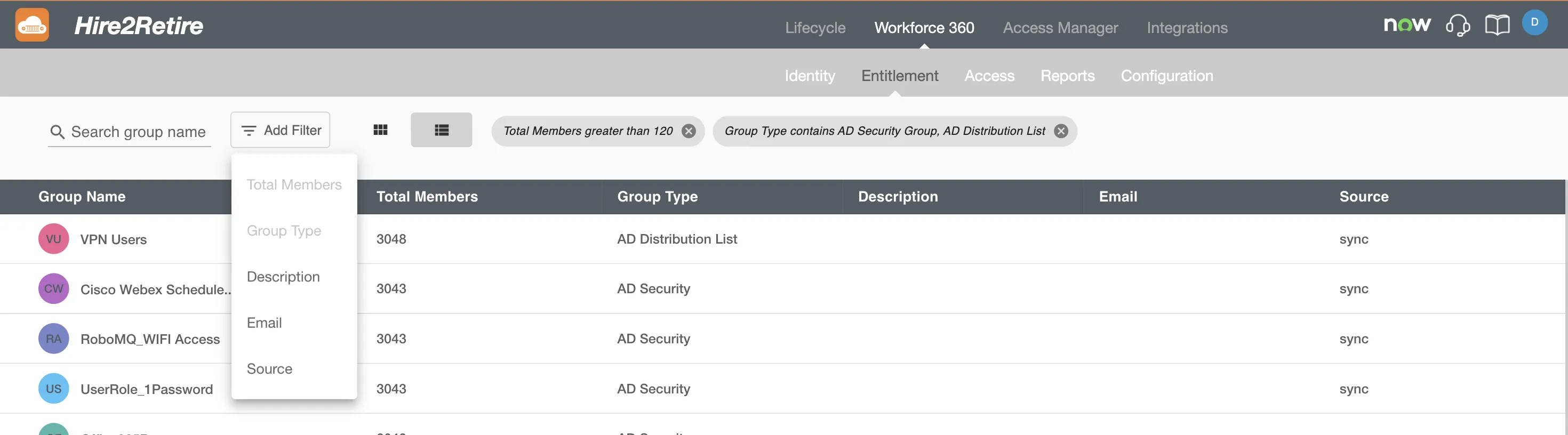
Multiple filter conditions can be combined to narrow down results to a specific subset of groups.