Observe
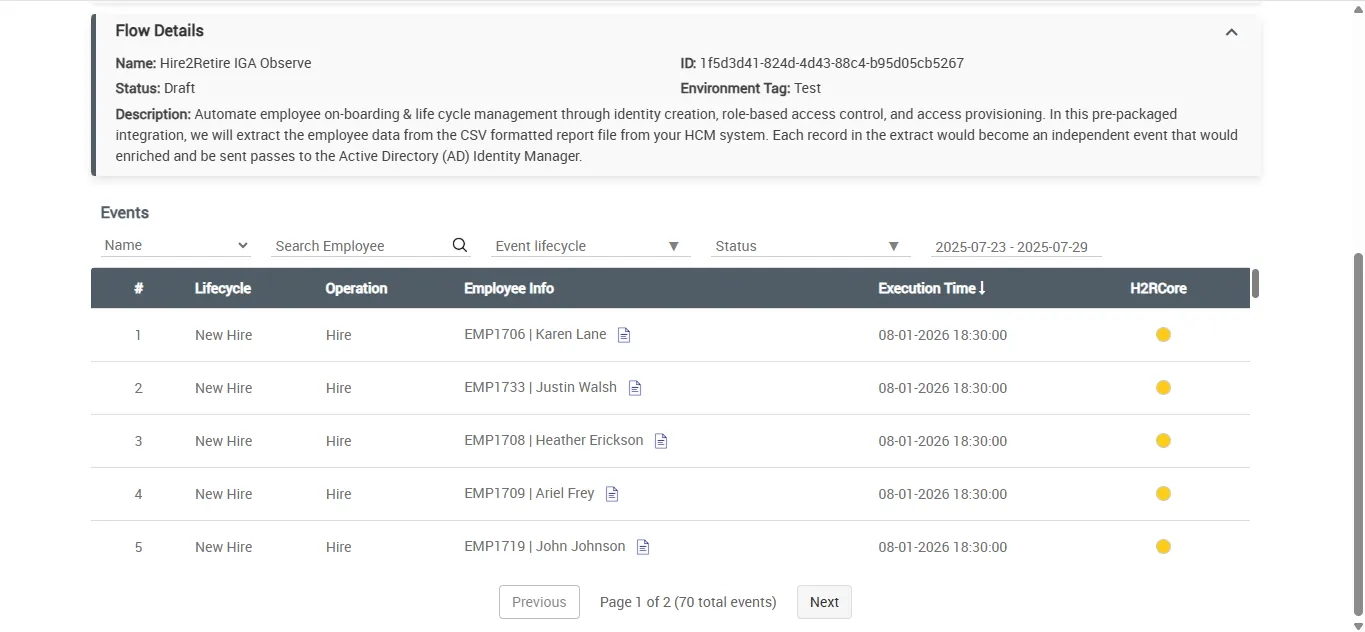
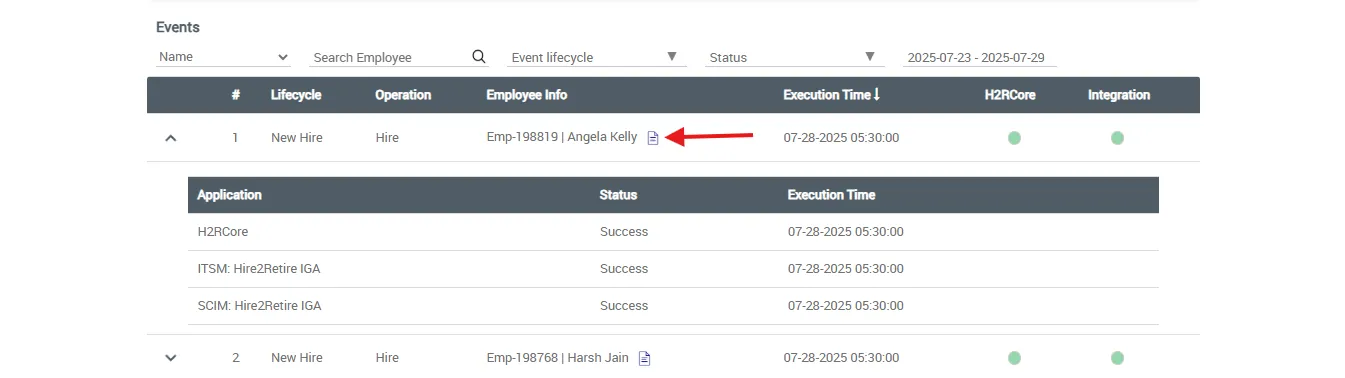
The Hire2Retire IGA ServiceNow application allows users to monitor and manage employee lifecycle events such as hiring, termination, and role changes pushed from the Hire2Retire platform.
Setup
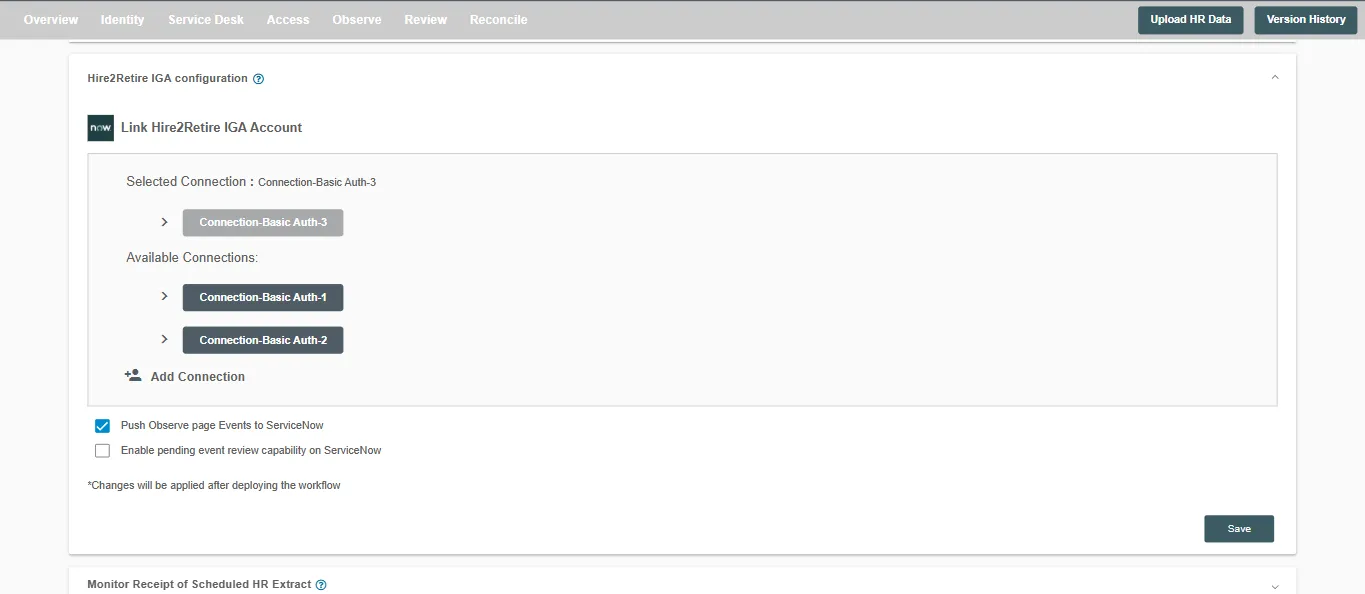
You can enable data Push from the Deployment Settings page on Hire2Retire.
To access the Observe Page, ensure you have the required roles for the Hire2Retire Viewer persona as mentioned on the Roles page
Details
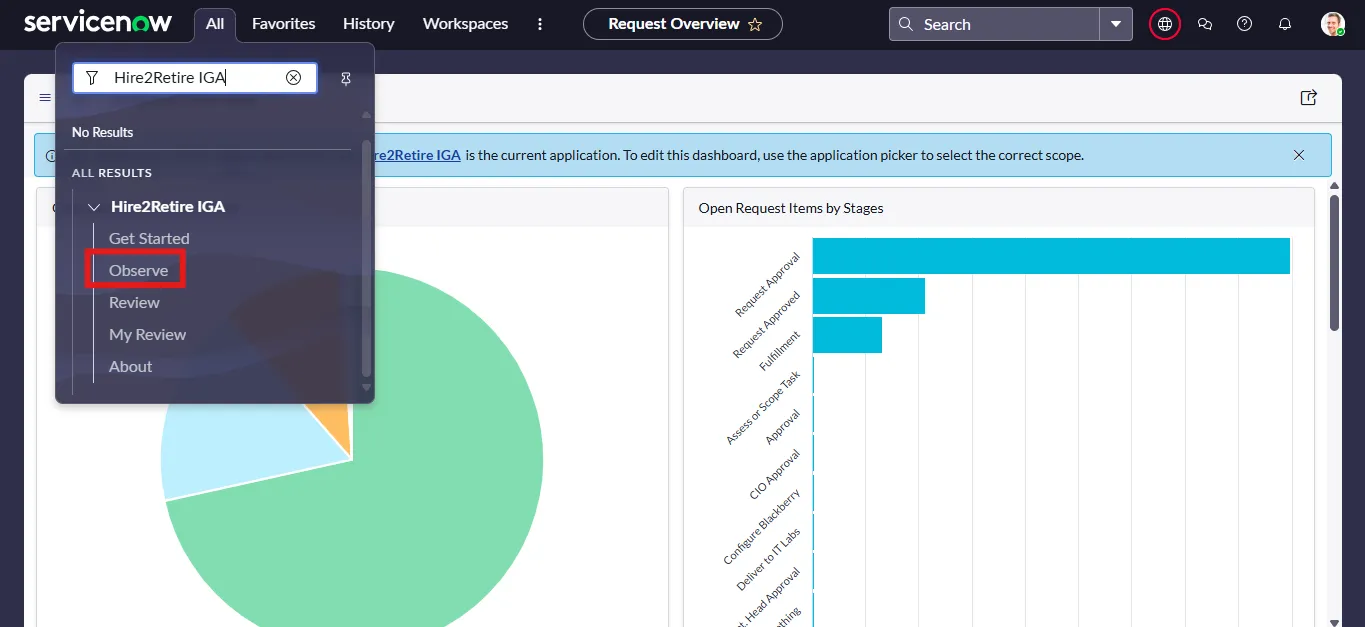
You can access the Observe page by navigating to the Hire2Retire IGA(ServiceNow App) in the ServiceNow portal.
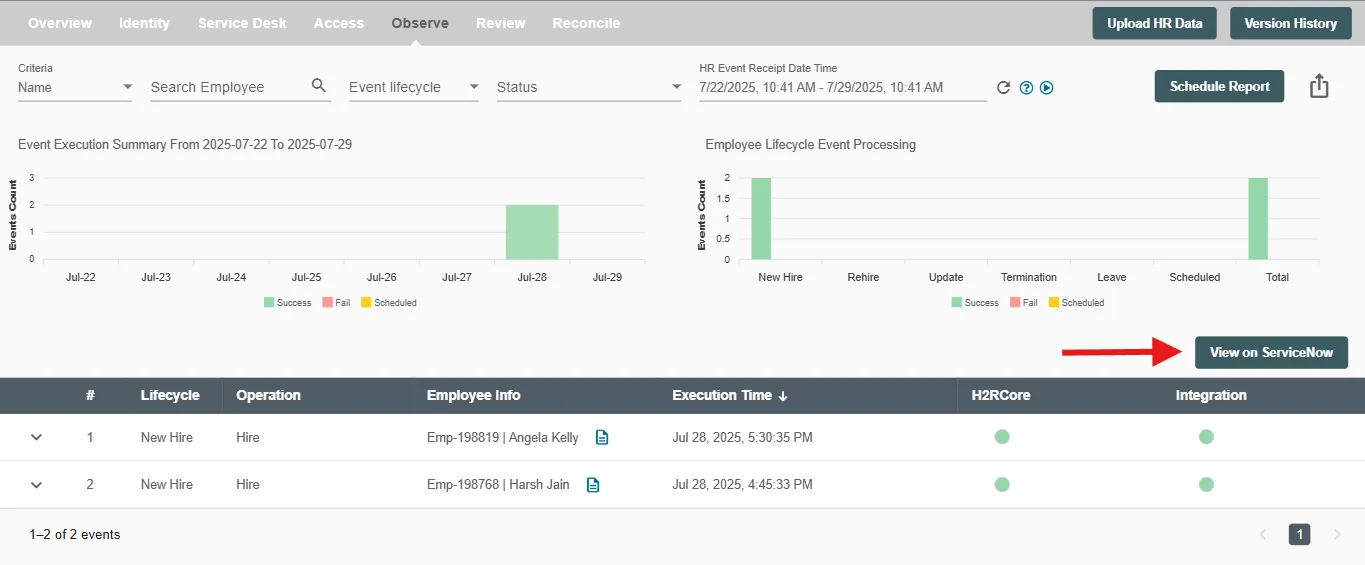
You can also launch the 'ServiceNow App' directly from Hire2Retire.
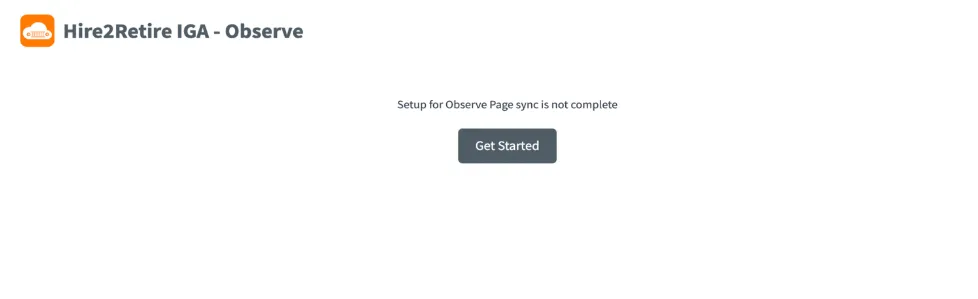
If data sync is not enabled, you will be prompted to configure it in Hire2Retire.
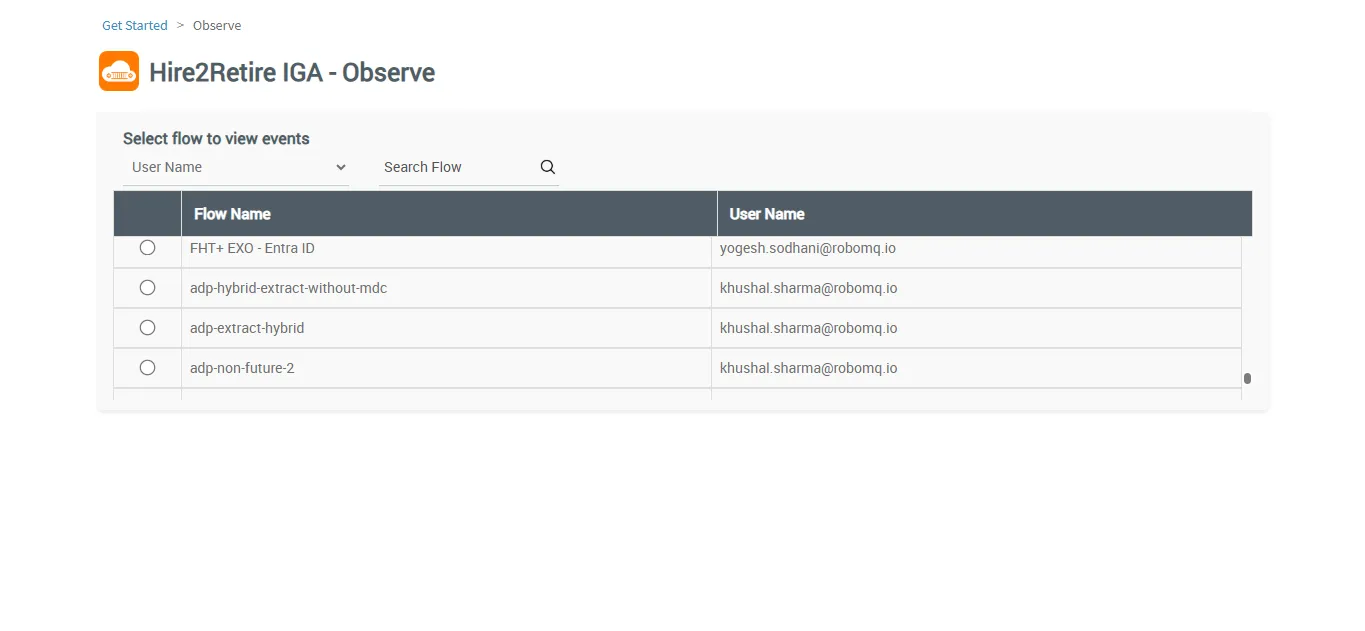
Select a workflow to view associated lifecycle events
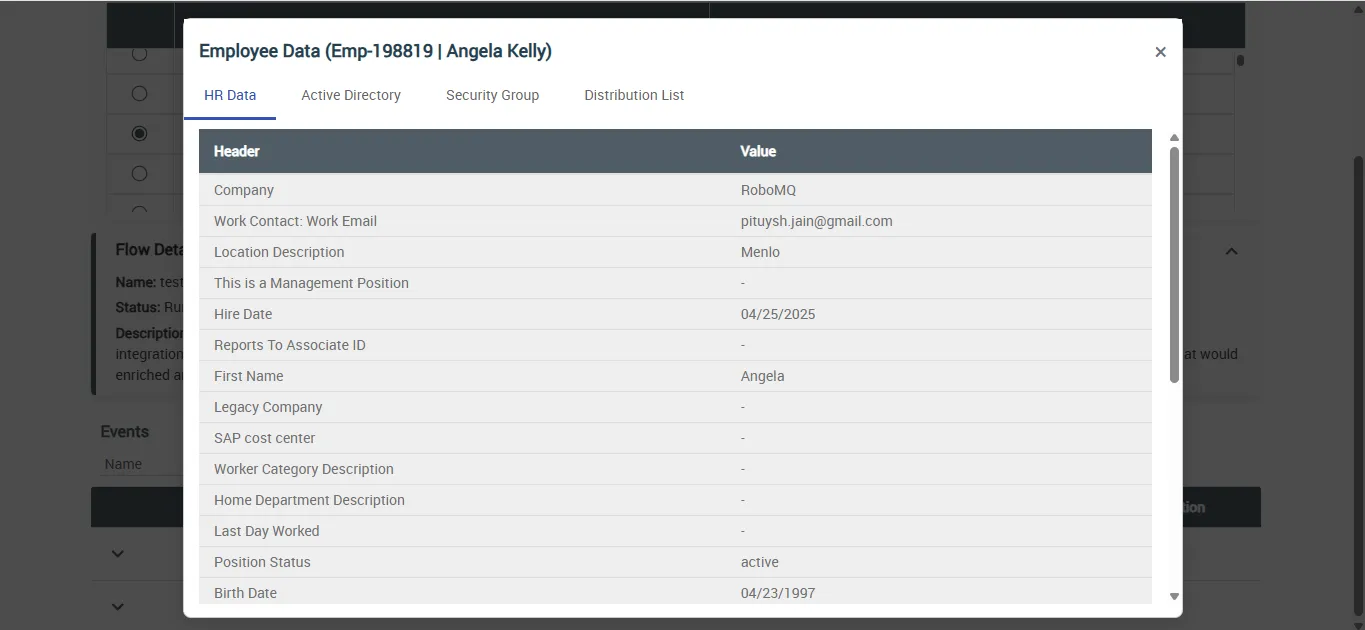
You can use built-in filters to refine event data based on: Lifecycle, Operation, Date Range, Employee Name, or ID. You can click any event to view detailed information about that specific lifecycle event.