Configure Jira Service Management with Access Manager
By configuring the Jira Service Management application as a service desk, a ticket is automatically created on the Jira Service Management portal for each access request.
Configuring Jira Service Management as Service Desk
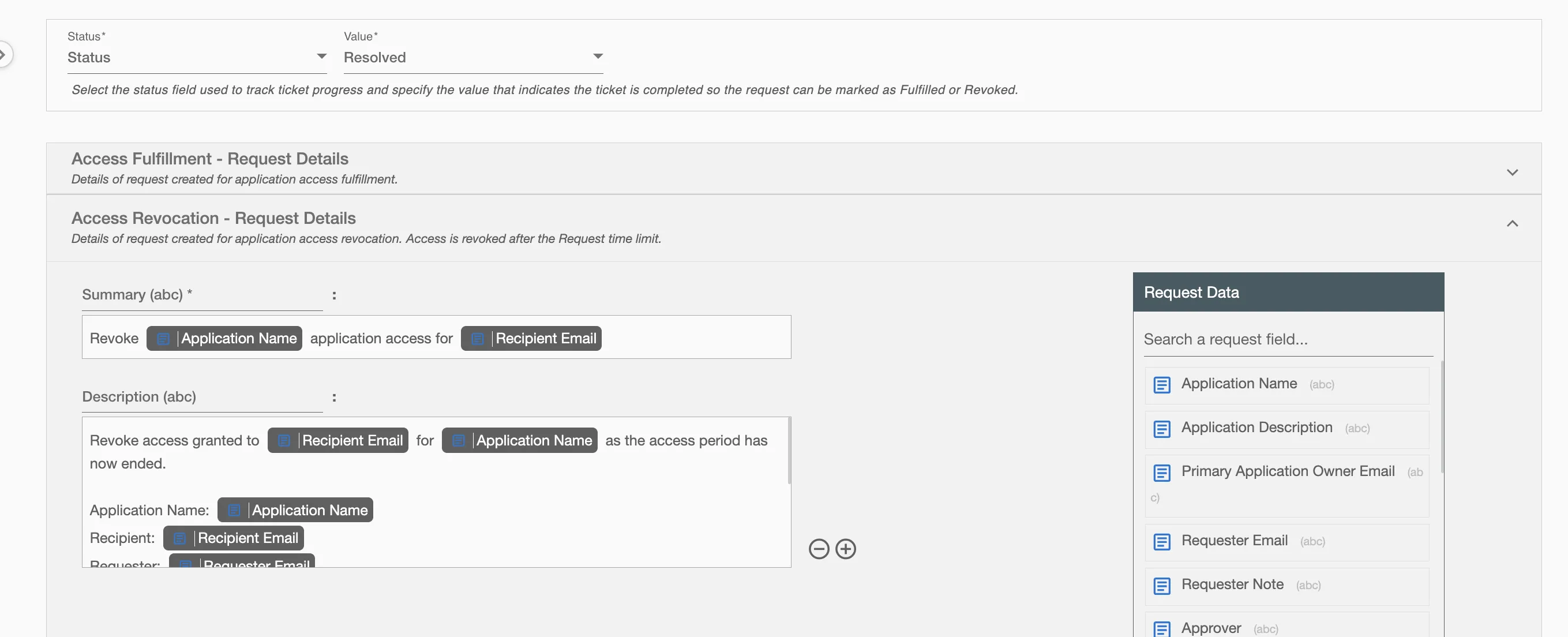
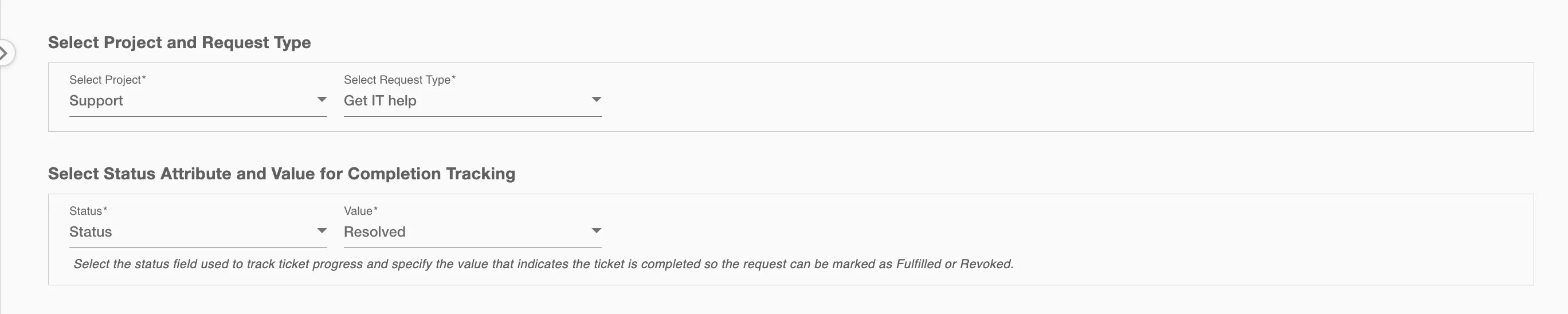
Select Status Attribute and Value for Completion Tracking
The request is automatically marked as Fulfilled or Revoked when the ticket reaches the selected status value. The status attribute can be selected from a dropdown to track ticket progress. You can also choose the value that represents completion, so the request can be finalized automatically.
For example, if the status attribute is set to 'Status' and the completion value selected is 'Resolved', the request will be considered completed when the ticket is marked as 'Resolved' on Jira Service Management.
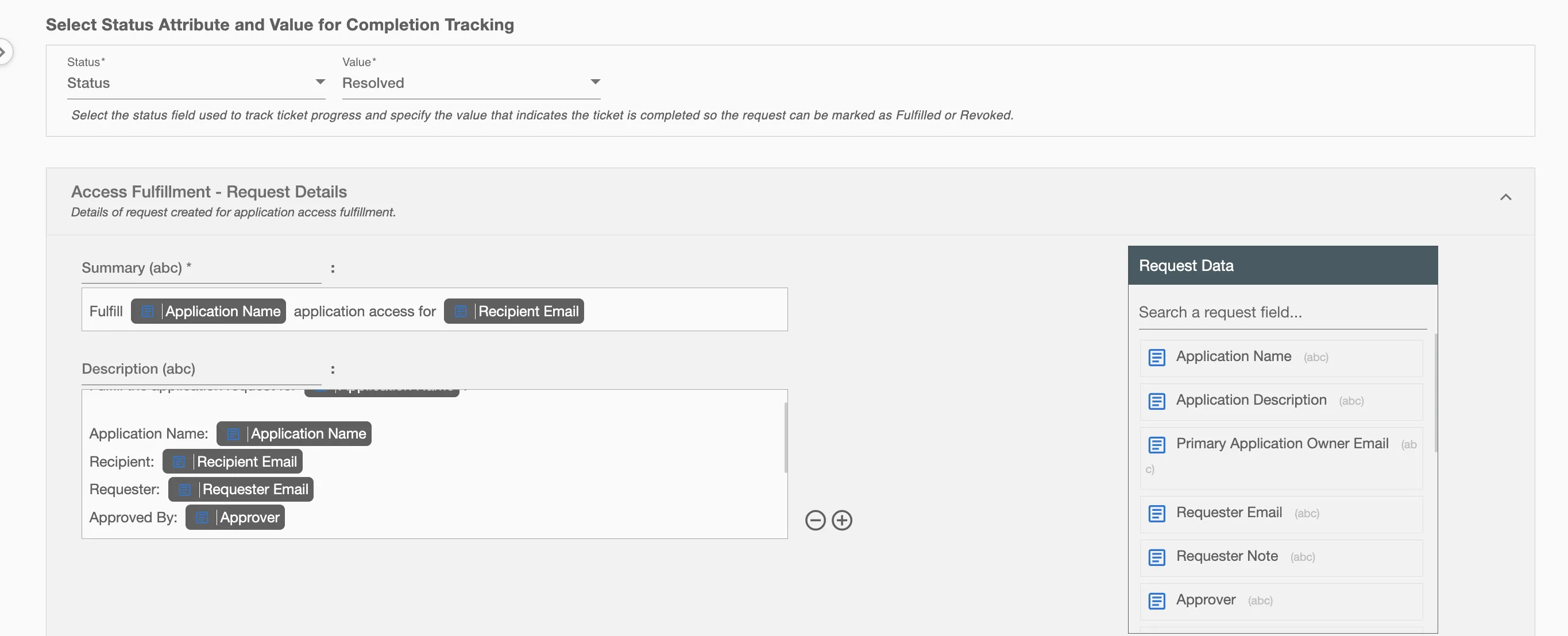
Access Fulfillment - Request Details
This section displays the ticket details that will be created in Jira Service Management for access fulfillment. Some fields are pre-populated by default and can be updated if required. Additional ticket attributes can be added using the + option located at the bottom right corner of the form.
Access Revocation - Request Details
This section displays the ticket details that will be created in Jira Service Management for access revocation. A revocation ticket is automatically created after the configured request time limit. Some fields are pre-populated by default and can be updated if required. Additional ticket attributes can be added using the + option located at the bottom right corner of the form.