Greenhouse Data Definition
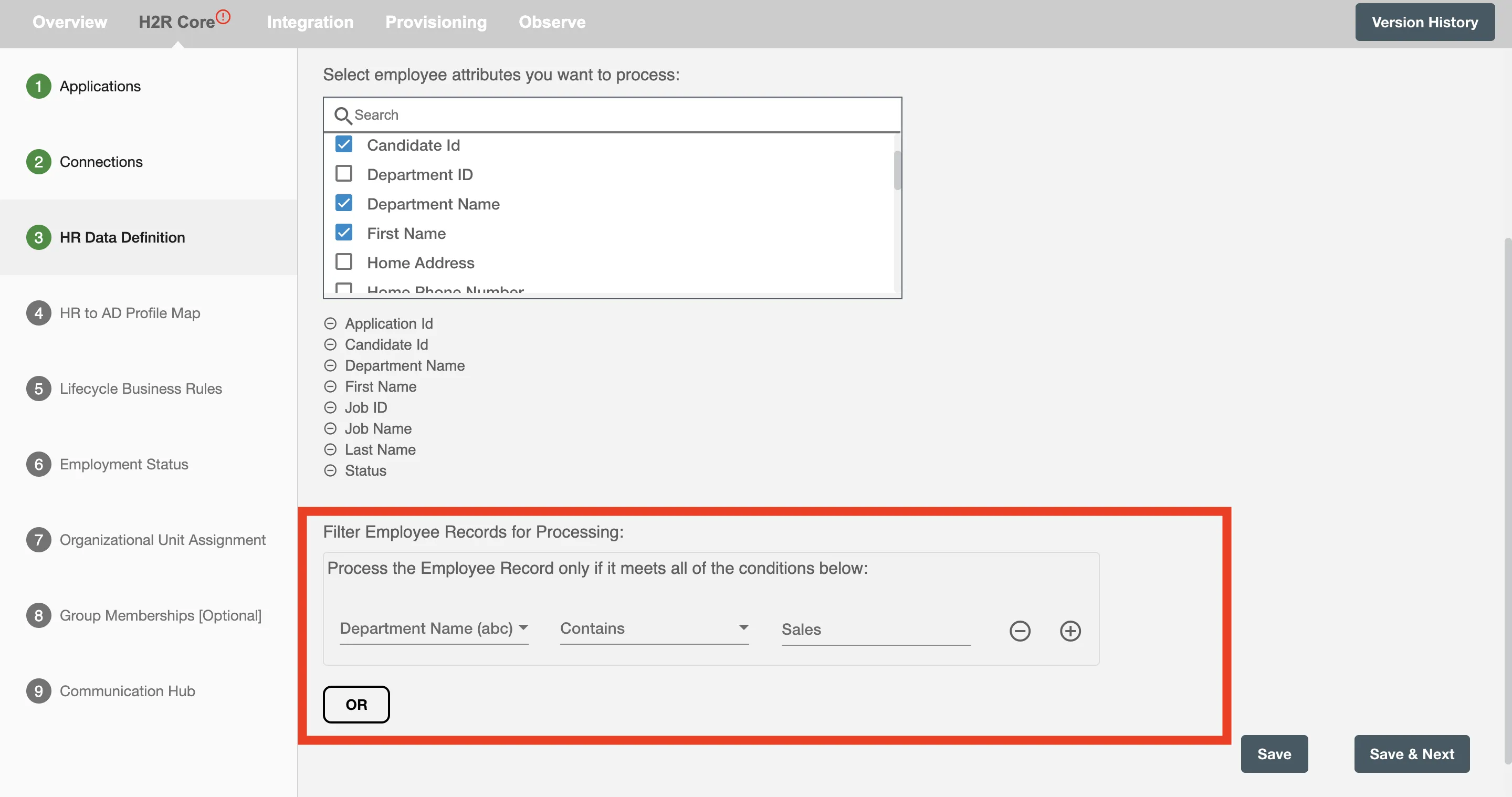
In this step, you will select the Greenhouse attributes to be processed and configure the polling interval for your integration. You can also apply custom filters to process only specific records.
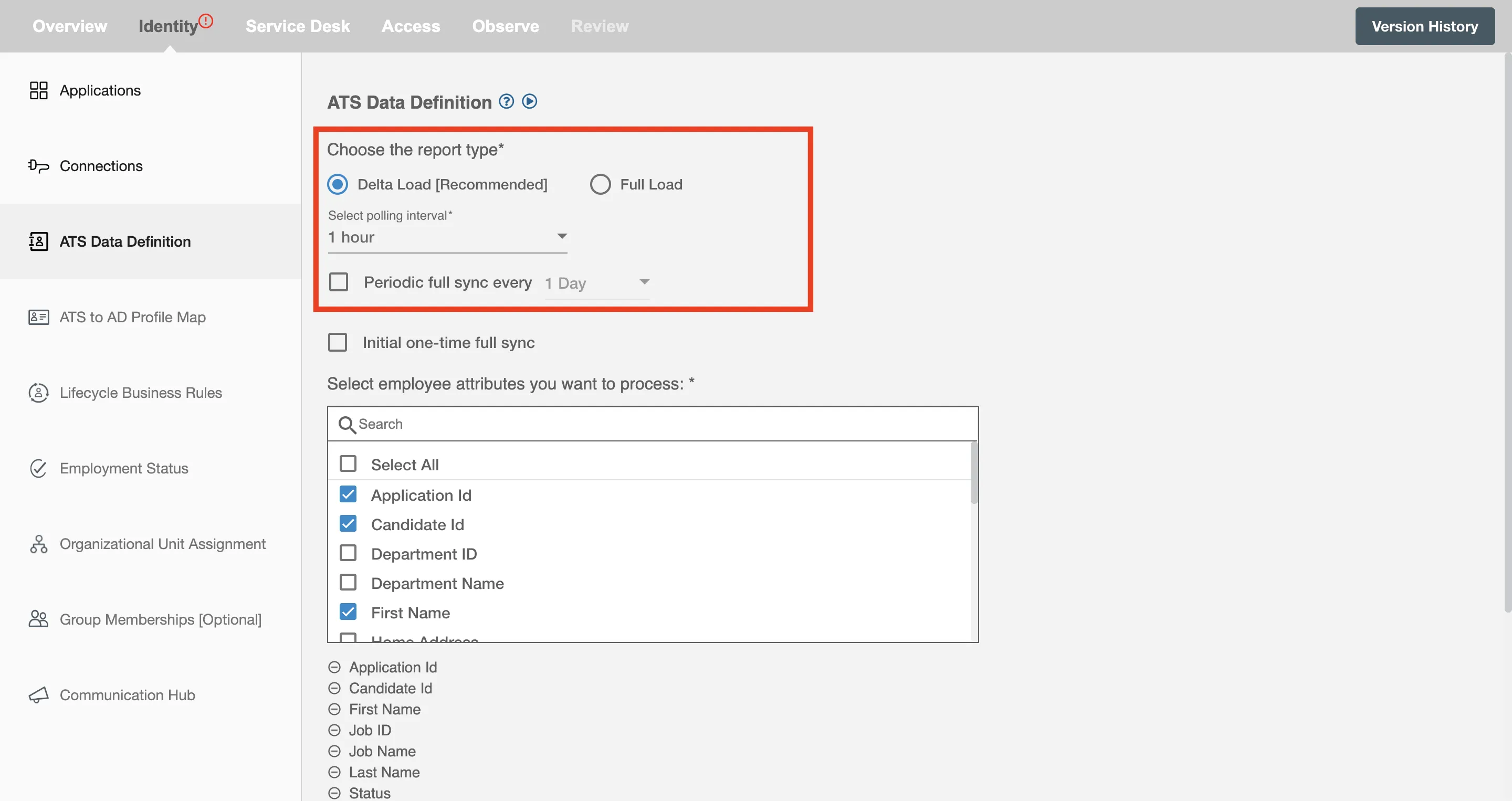
Delta Load
If you have selected Delta Load, Hire2Retire processes only those applications that have changed since the last successful extract. Refer here for details on polling interval.
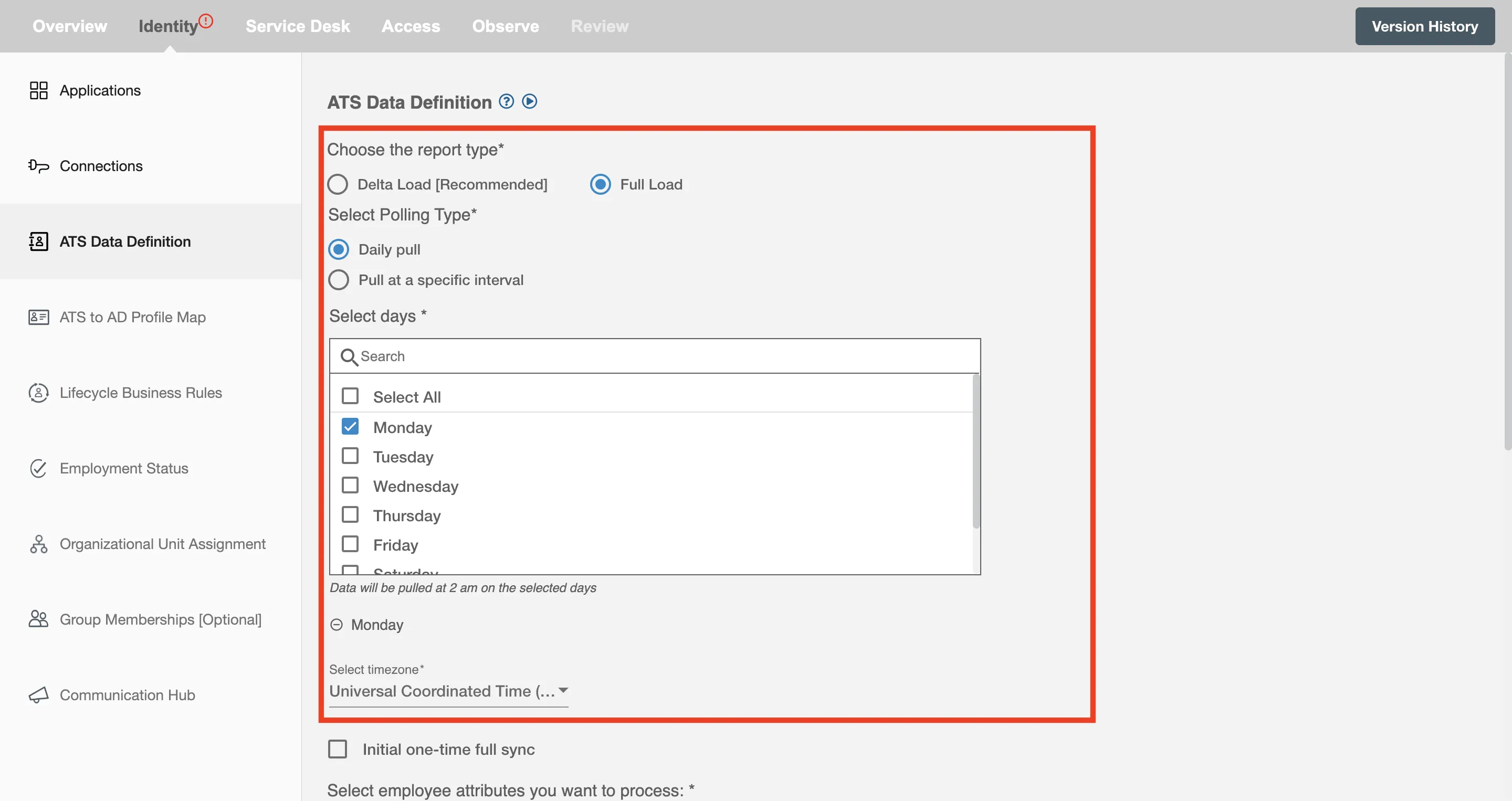
Full Load
If you have selected Full Load, then Hire2Retire will process all the applications in your Greenhouse Account. The data will be processed on the basis of type of polling interval selected. Refer here. for details on polling interval.
Periodic Full Sync
Periodic Full Sync lets you keep all your HR data up-to-date by scheduling regular updates. You can choose to run these updates every day, week, two weeks, or four weeks. For example, if you pick '1 day,' your first update will start 24 hours after setup, with future updates happening daily. This lets you ensure your HR data stays fully synchronized as needed.
Periodic Full Sync is required if you plan to process Update or Leave lifecycle events.
Initial one-time full sync
Enable Initial one-time full sync option if you want to process all the applications on Greenhouse as soon as the flow is deployed.
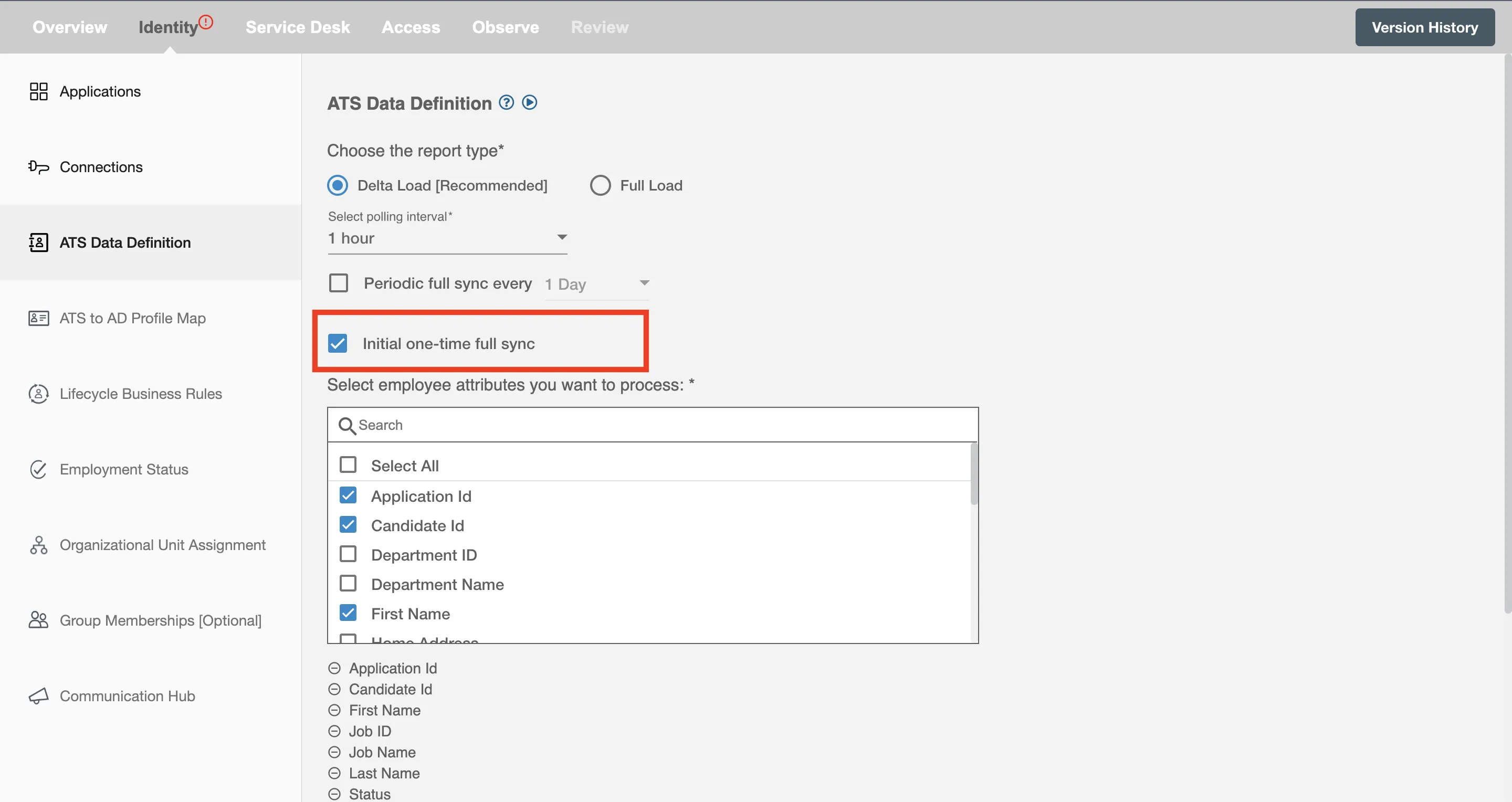
This is recommended when workflow changes need to be applied to all existing employees during the first run.
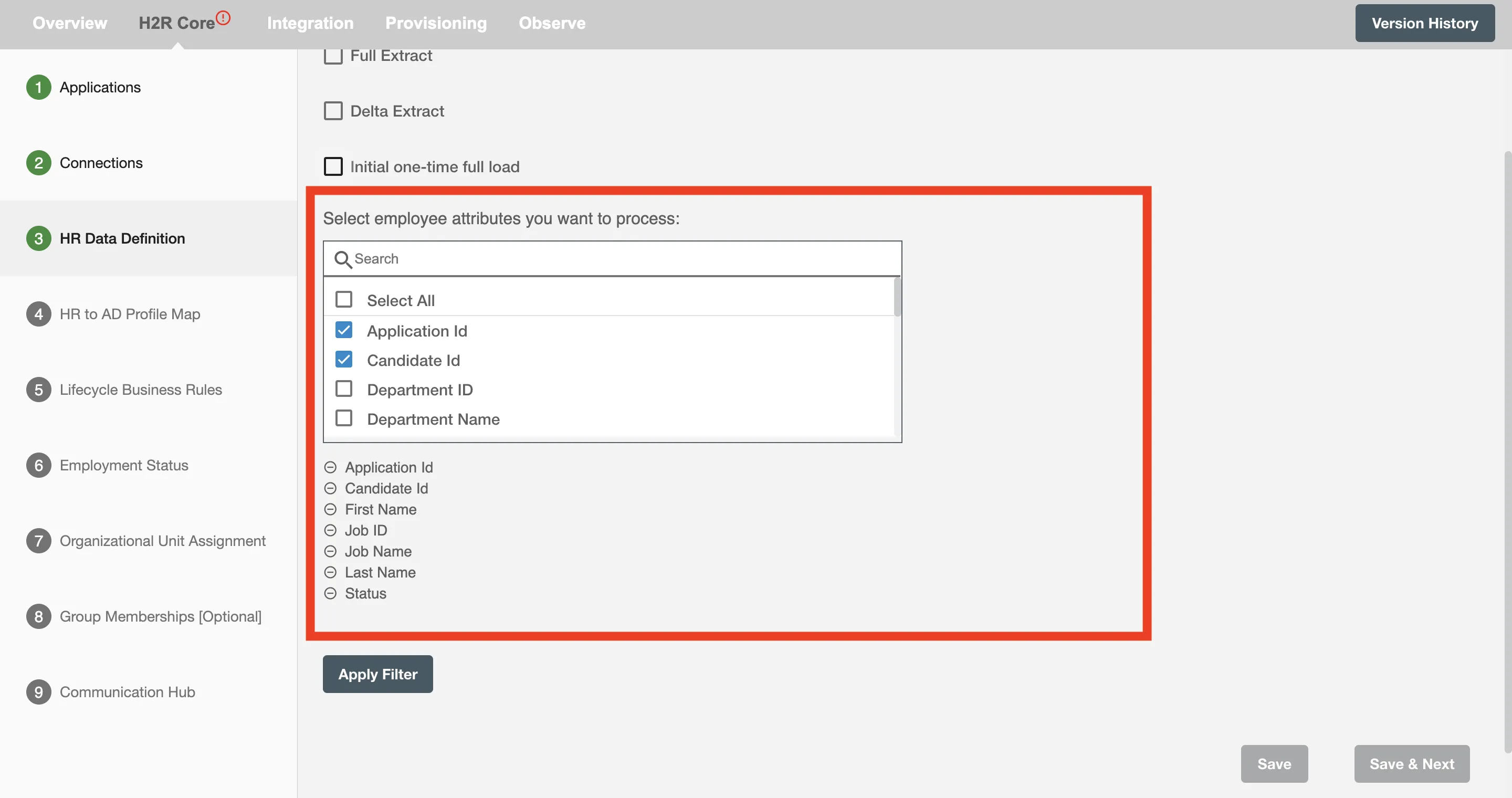
Select attributes you want to process
Select the Greenhouse attributes that Hire2Retire should process. Key attributes are pre-selected by default, and you can remove or add fields as needed.
To see the most commonly used attributes and their use with Hire2Retire integration see our guide on HR Profile Attributes.
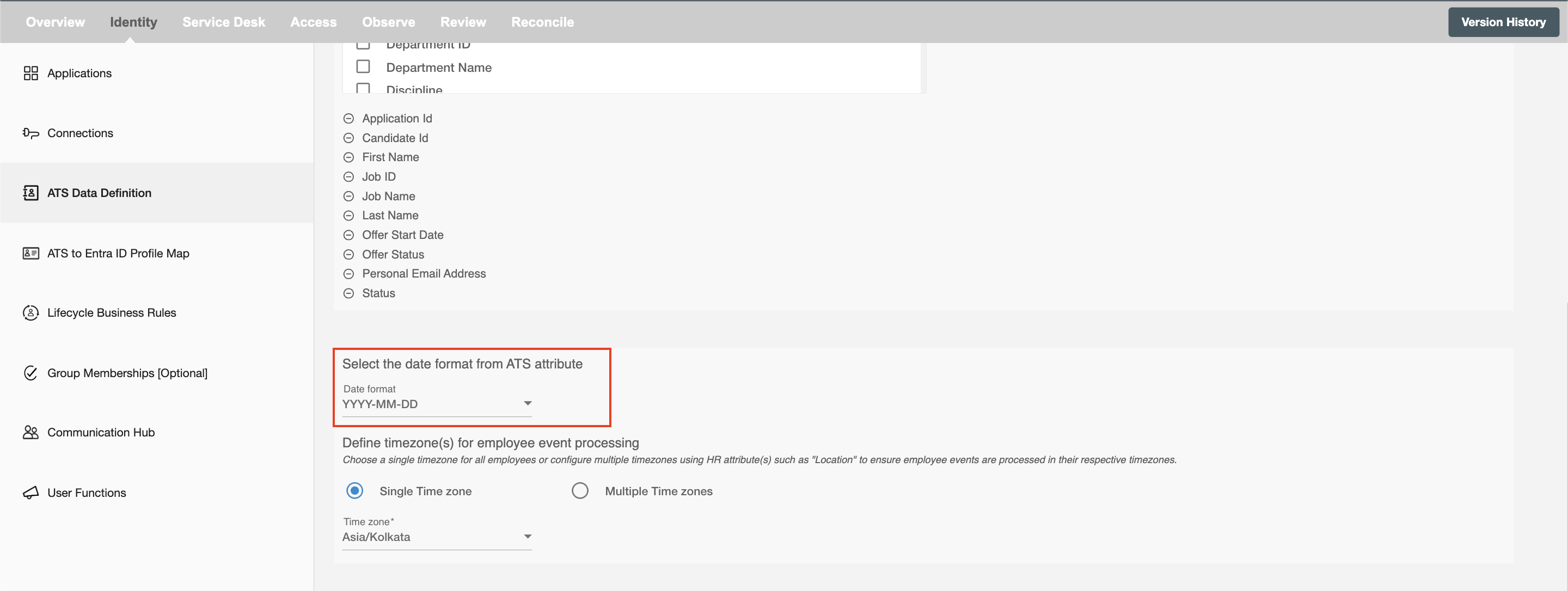
Select Date Format
Select the date format for the date type HR attributes. The default date format is MM/DD/YYYY, MM/DD/YY.
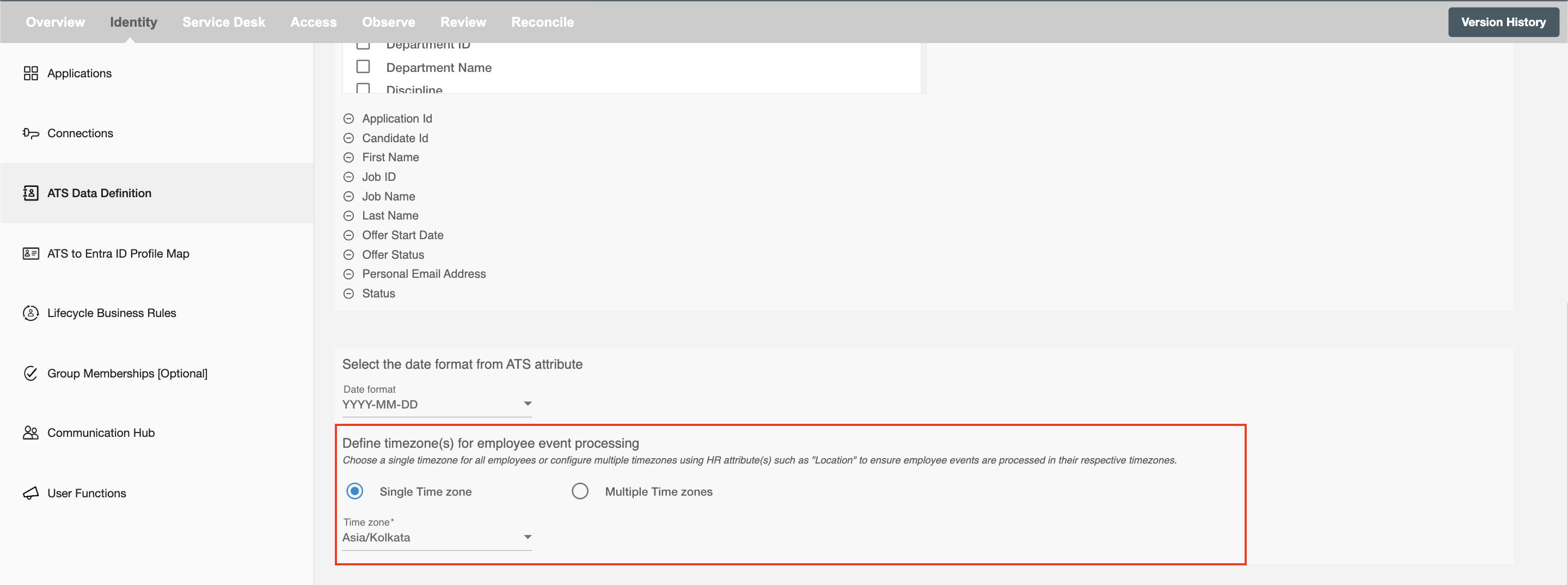
Select Time Zone
Choose the time zone in which you want to process the scheduled hire and rehire events.
Single time zone
All the scheduled hire and rehire events execute in the selected time zone. The default time zone is America/New York.
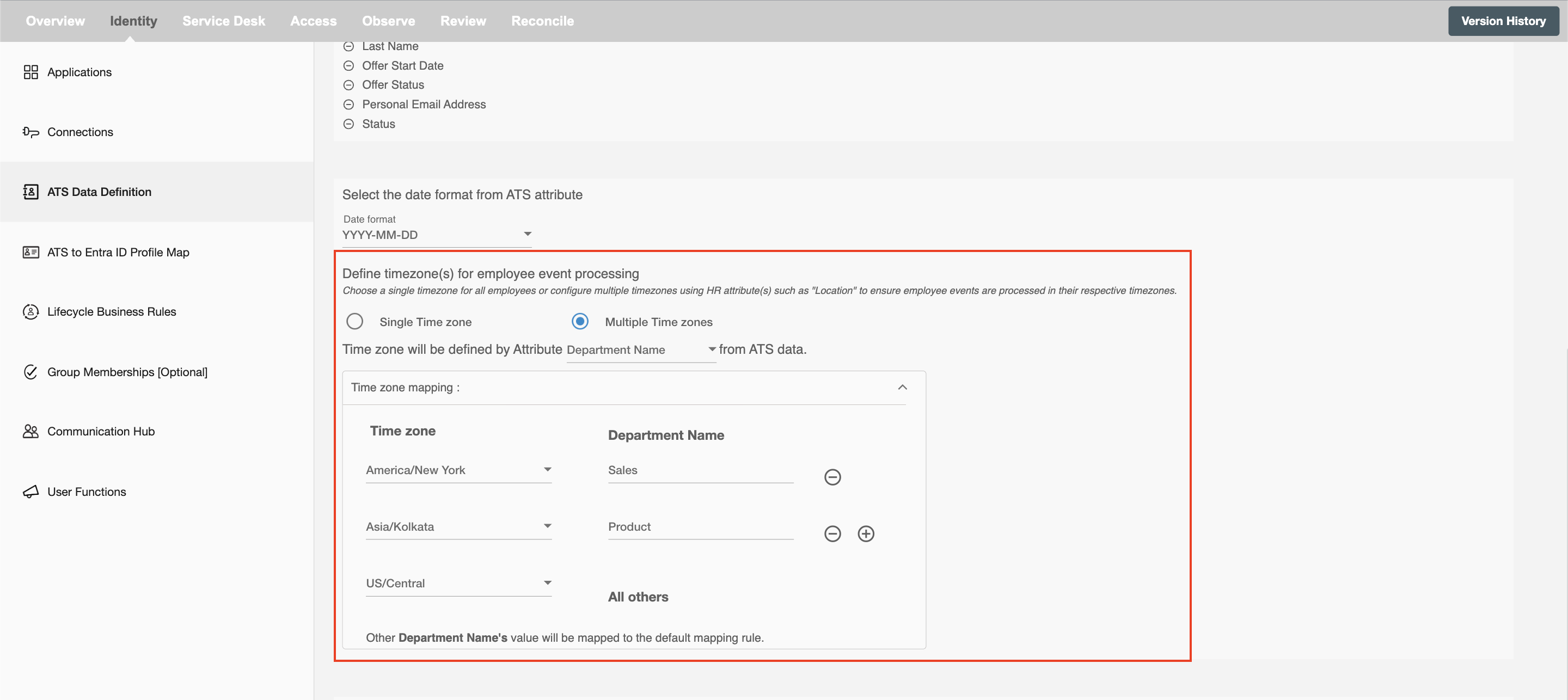
Multiple time zones
Scheduled hire and rehire records are executed according to the time zone based on the condition defined by HR data. For eg. an organization can have multiple offices at different locations (time zones) for which they can select respective time zones according to their locations.
Selection Criteria
Hire2Retire enables you to process specific events and filter out the rest by defining filter criteria.
On clicking the Selection Criteria button, you will be able to set up conditions using available attributes. Only applications whose attributes match the conditions will be processed. You can create complex filters using And and Or conditions.