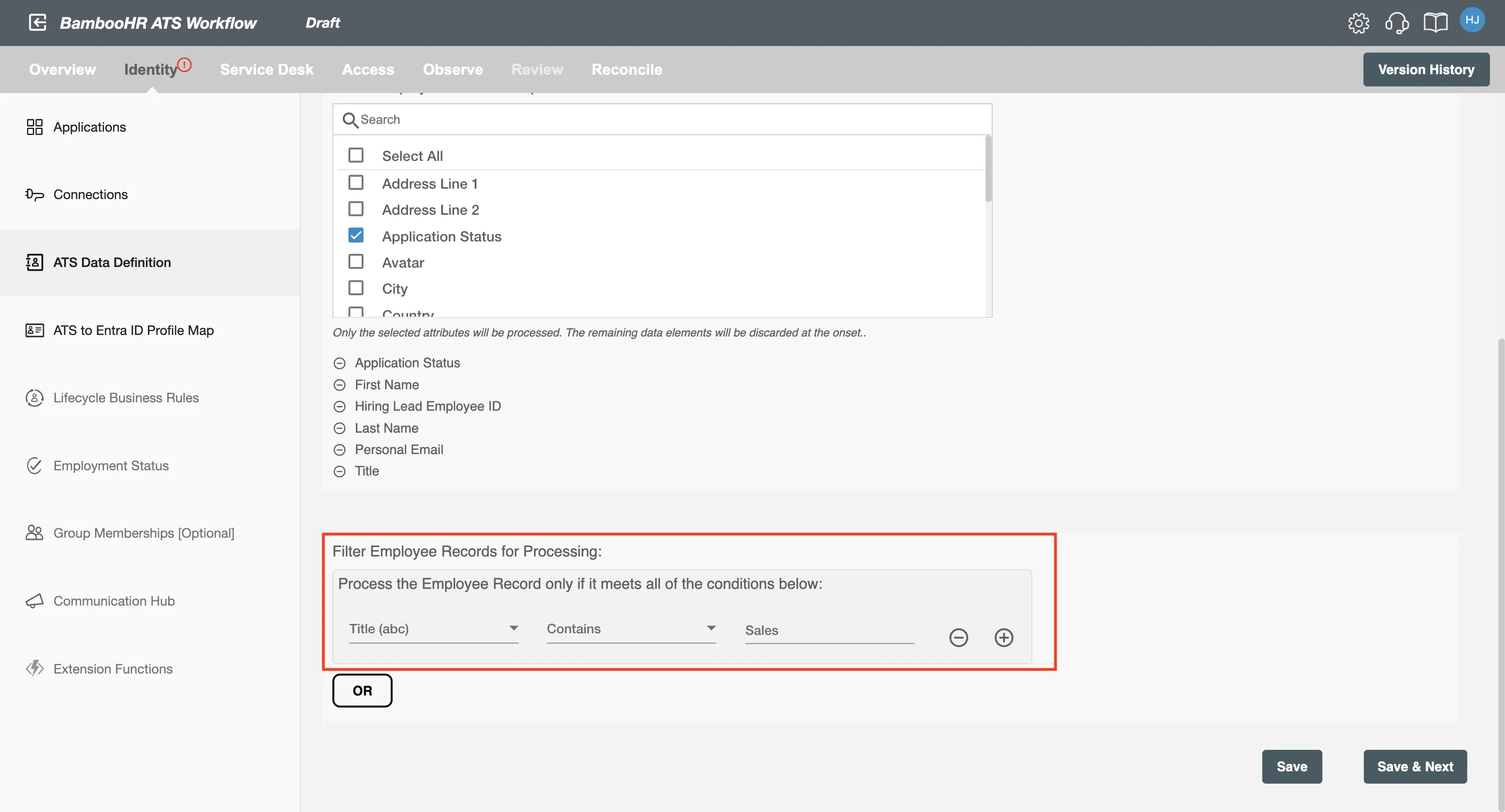
ATS Data Definition (BambooHR ATS Integration)
In this step, you'll first define the polling interval for your BambooHR ATS integration. After that, select the attributes you want to process and apply custom filters based on those attributes for more refined data processing.
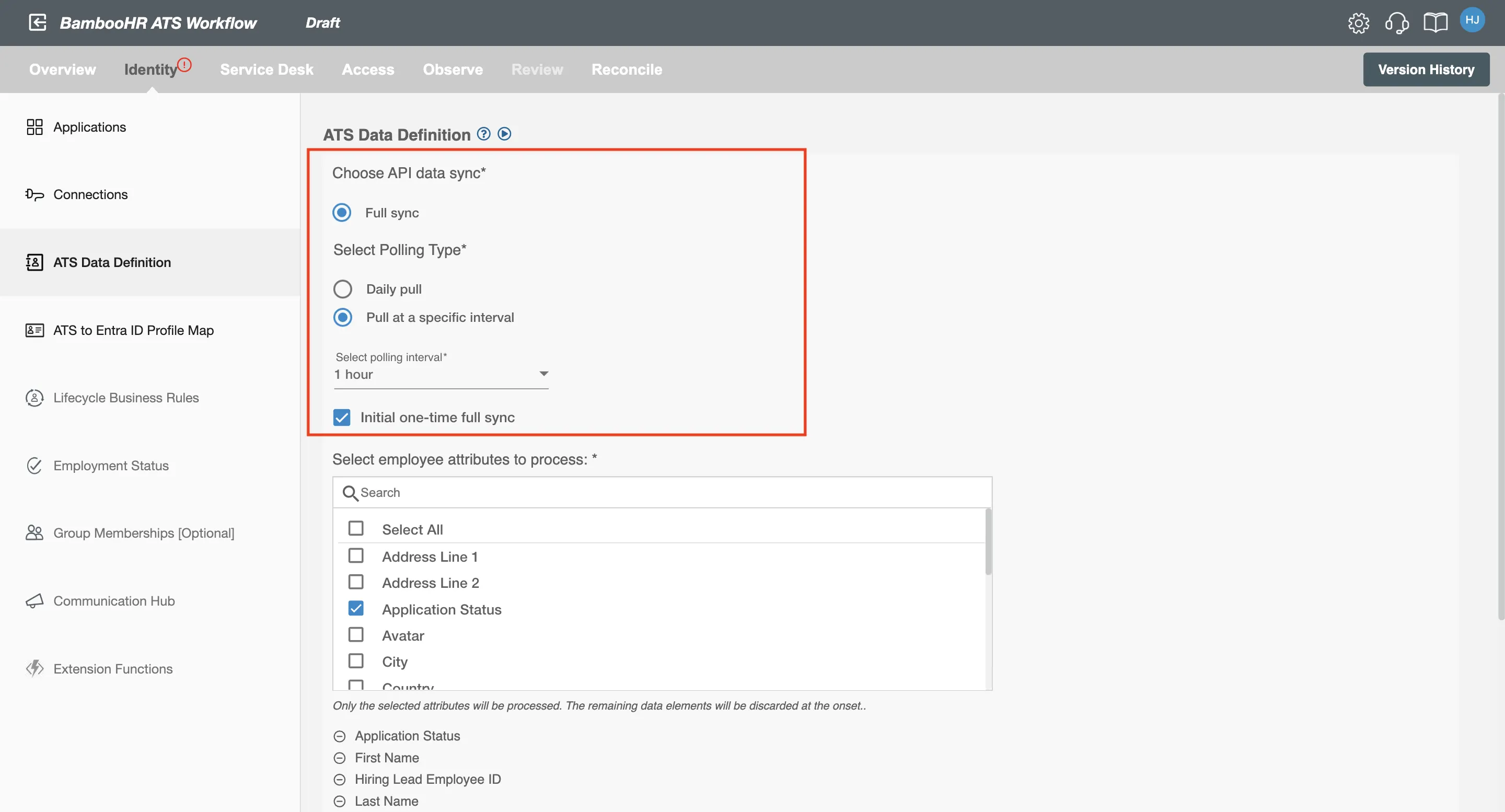
Full Load
If you select Full Load, Hire2Retire will process all job applications from BambooHR ATS. The data processing will be determined by the type of polling interval you’ve chosen. For more details on the polling interval, refer to this page.
Initial One-Time Full Sync
Check the Initial one-time full sync option if you want to process all applications from BambooHR ATS immediately after the flow is deployed.
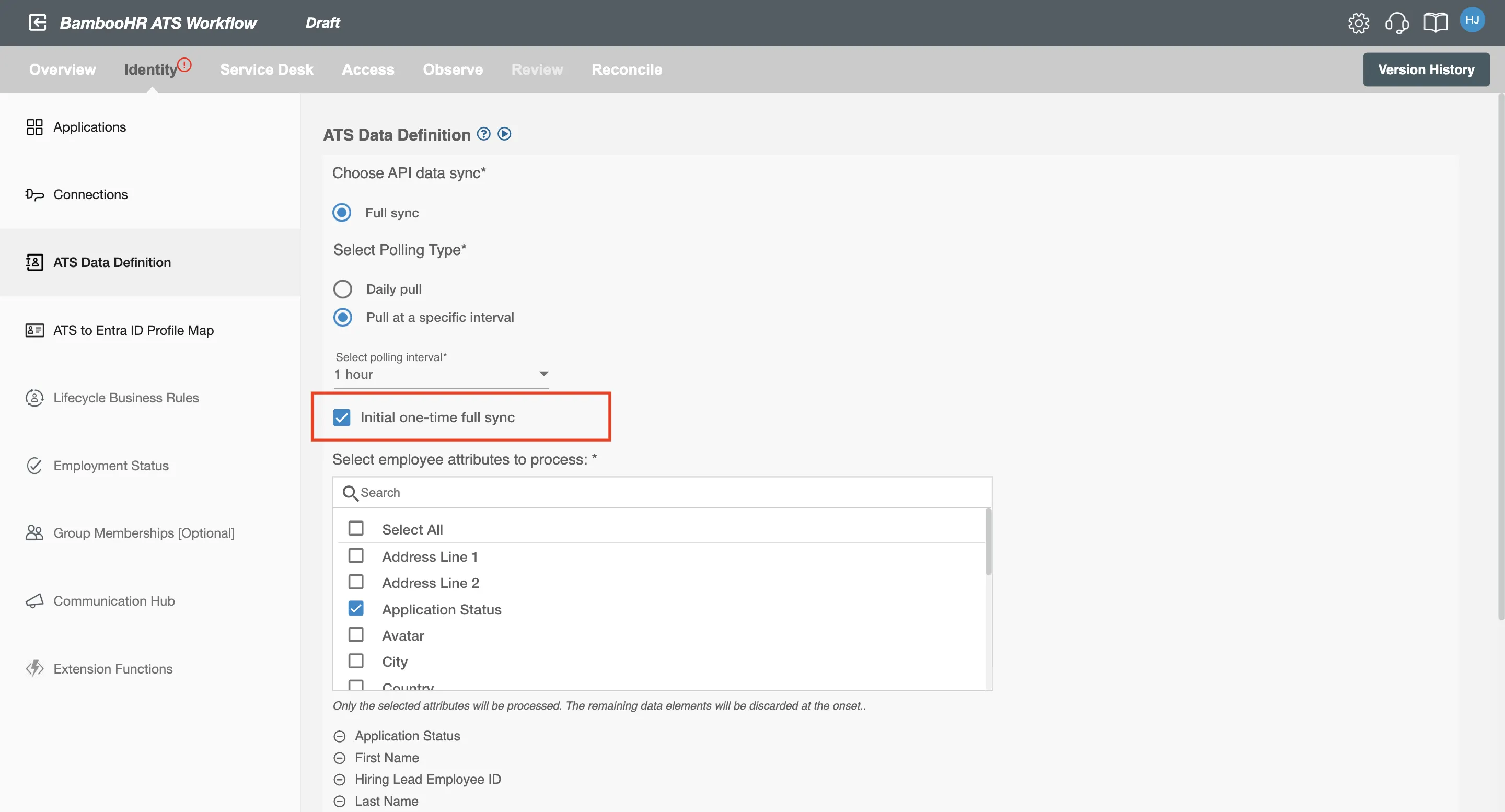
It is recommended to enable Initial One-Time Full Sync so that workflow changes are applied to all candidates upon deployment.
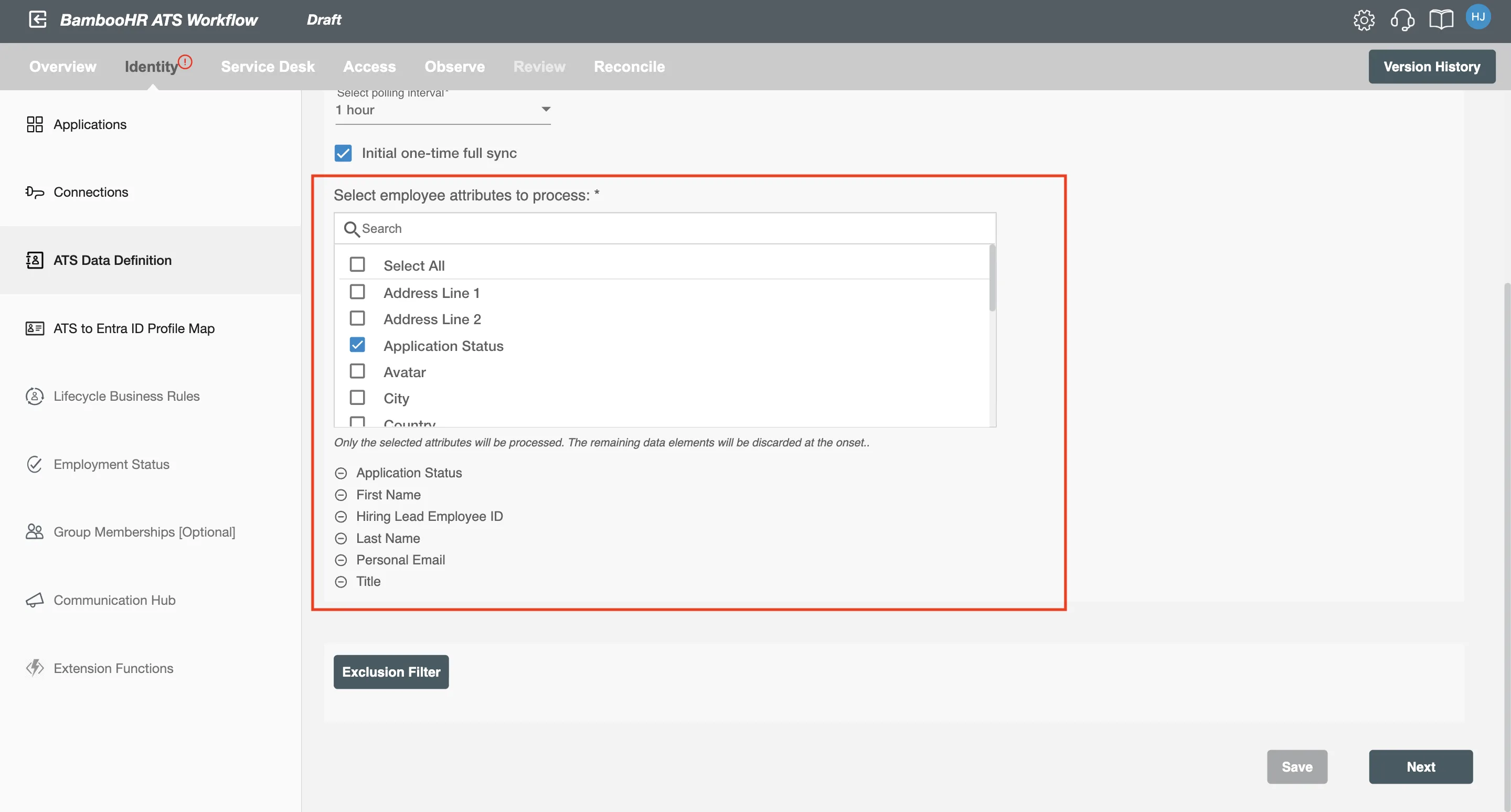
Select the Attributes You Want to Process
You can select the attributes from BambooHR ATS that you want to be processed by Hire2Retire. Hire2Retire pre-selects important attributes. You can remove pre-selected attributes if you do not want them included in the report.
To see the most commonly used attributes and their use with Hire2Retire integration, see our guide on HR Profile Attributes.
Selection Criteria
Hire2Retire allows you to process specific events by defining filter criteria to exclude others. By clicking the Selection Criteria button, you can set up conditions using the available attributes. Only opportunities whose attributes meet the defined conditions will be processed. You can create complex filters by combining AND and OR conditions.